DinoZ City
Played 2 times.


About DinoZ City
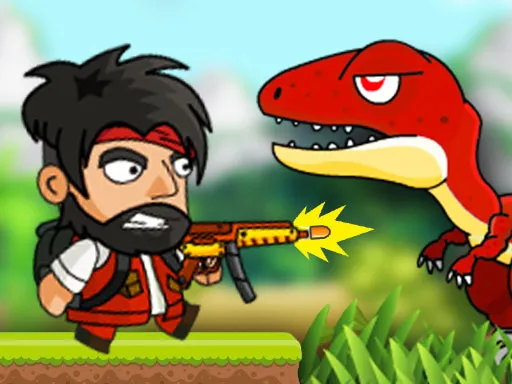
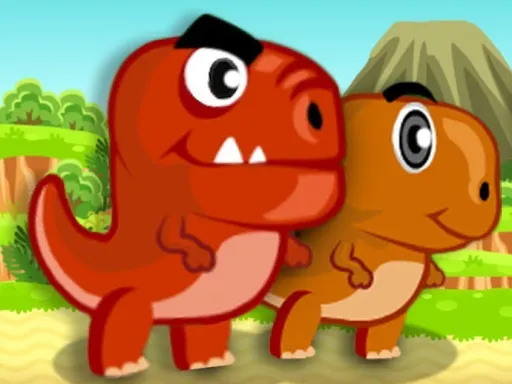
Dinosaurs have seized the city, and this time they are holding hostages. DinoZ City is the second game in the series, and your task is to rescue scientists and police officers while blasting your way through prehistoric trouble.
You can go solo or share the keyboard with a friend in two-player mode, and armoured vehicles are available to help you take dinosaurs down. Watch for the traps that the smarter dinosaurs have set, and work towards the boss fight at the end. With jumping, bombs and weapon switching, plus a wall jump, there is more movement here than in a plain shooter.
Game details
| Genre | Shooting |
|---|---|
| Controls | Keyboard |
| Platform | Browser, phone and tablet |
| Cost | Free, no download |
| Screen | 800 x 600 px |
How to play DinoZ City
- Player 1 moves with W, A, S, D, hits with F, throws bombs with H and jumps with G.
- Player 2 moves with the arrow keys, hits with L, throws bombs with J and jumps with K.
- Switch weapons with Q for player 1 or U for player 2.
- Cling to a wall and press W or the Up arrow to wall jump.
- Rescue the hostages, avoid traps and defeat the boss.
Tips for DinoZ City
- Use the wall jump to reach hostages and dodge enemies on higher ground.
- In two-player mode, split up and cover different areas to rescue hostages faster.
- Look carefully before running into new areas, as smart dinosaurs set traps.
Frequently asked questions
Is DinoZ City free to play?
Yes. DinoZ City is free, runs in your browser, and needs no download or sign-up.
Can two people play DinoZ City?
Yes. Player 1 uses W, A, S, D with F, H, G and Q, while player 2 uses the arrow keys with L, J, K and U.
Who do I need to save in DinoZ City?
You rescue the hostages taken by the dinosaurs, which include scientists and police officers.
More to play: Shooting games · 2 Player games · Action games · Adventure games · Dinosaur games
Popular topics: 2 player games · rescue · shoot em up
Categories
2 Player Adventure Action Shooting Dinosaur
Tags Comments