Poppy Strike 2
Played 2 times.


About Poppy Strike 2
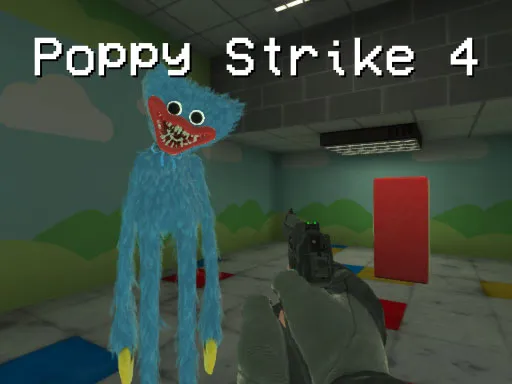
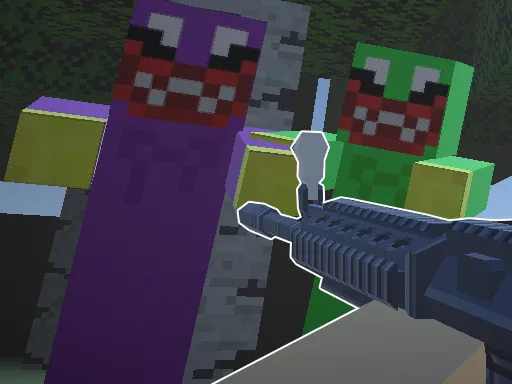
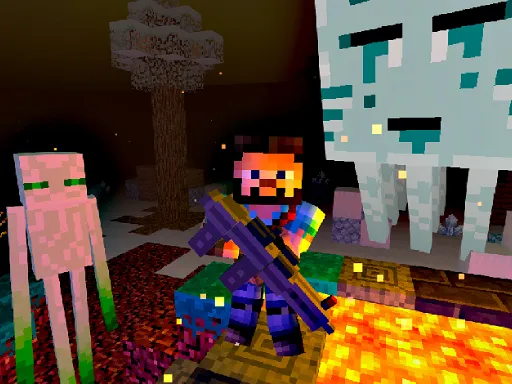
Poppy Strike 2 sets a first-person shooter inside a Minecraft-themed map and fills it with approaching Huggy Wuggy dolls. Survive each round and you unlock new guns, which means the weapon rack keeps growing the longer you last.
The keyboard and mouse setup is standard: W, A, S and D move, the left button fires, the right button aims and the wheel changes guns. Press R to reload, Space to jump and T to slow things down with bullet time when the dolls swarm in. It supports touch on phones, but a mouse is the best way to aim.
Game details
| Genre | Shooting |
|---|---|
| Controls | Keyboard + mouse or touch |
| Platform | Browser, phone and tablet |
| Cost | Free, no download |
| Screen | 960 x 600 px |
How to play Poppy Strike 2
- Move with W, A, S and D.
- Aim with the right mouse button and shoot with the left.
- Scroll the wheel to switch guns and press R to reload.
- Press T for bullet time.
- Survive each round to unlock new guns.
Tips for Poppy Strike 2
- Aim down sights before you shoot at a distance.
- Use bullet time when many dolls rush at once.
- Try each new gun as it unlocks to see which suits you.
Frequently asked questions
Is Poppy Strike 2 free?
Yes. Poppy Strike 2 is free to play in your browser, with no download or sign-up.
What are the controls in Poppy Strike 2?
WASD moves, left mouse shoots, right mouse aims, the wheel changes weapon, R reloads, Space jumps and T uses bullet time.
How do I unlock guns in Poppy Strike 2?
Survive each round by shooting the approaching Huggy Wuggy dolls. Winning rounds unlocks new guns.
More to play: Shooting games · 3D games · Action games · Shooter games
Popular topics: 1 player · 3d games · gun · shoot · shoot em up
Categories Tags Comments