Drift City Racing 3D
Played 1 times.


About Drift City Racing 3D
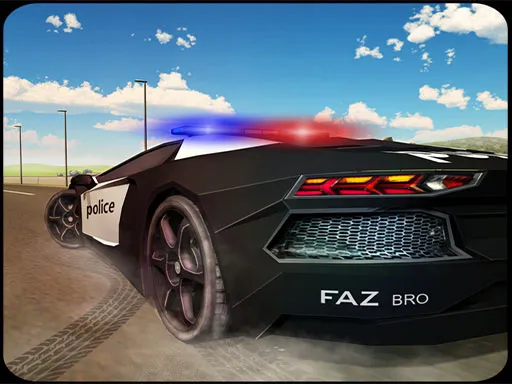
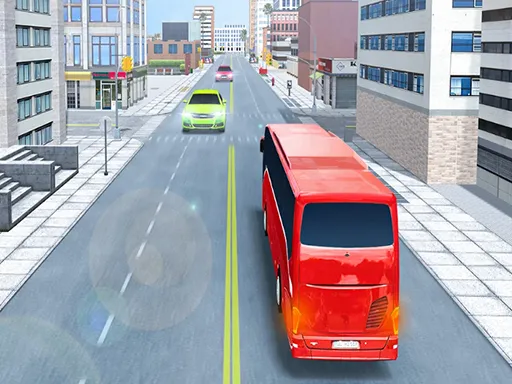
Skill decides this one, not luck. Drift City Racing 3D sets you against fast AI drivers across eight environments, and the sharpest driver takes the win. The reward is experience that you can spend on colours and stronger cars.
The drifting focus means you spend as much time sliding as going straight. The page does not give key bindings, so follow the in-game hints for steering, throttle and brake. It loads on phones and computers. Use early races to learn how the car breaks traction, then chase smoother, tidier lines.
Game details
| Genre | Racing |
|---|---|
| Controls | Mouse or touch |
| Platform | Browser, phone and tablet |
| Cost | Free, no download |
| Screen | 800 x 600 px |
How to play Drift City Racing 3D
- Check the on-screen hints for the steering and drift controls.
- Pick a race in one of the environments.
- Slide through corners while staying ahead of the AI cars.
- Win races to earn XP and upgrade your car.
Tips for Drift City Racing 3D
- Brake a touch before the corner, then steer in and let the car slide.
- Straighten up early on exit so you can get back on the throttle.
- Spend XP on upgrades that suit your style, then retry earlier tracks.
Frequently asked questions
Is Drift City Racing 3D free to play?
Yes. Drift City Racing 3D is free, runs in the browser, and needs no download or sign-up.
What controls does Drift City Racing 3D use?
The page does not list keys, so follow the hints shown in the game. Expect steering, throttle and brake controls on computer or mobile.
What can I upgrade in Drift City Racing 3D?
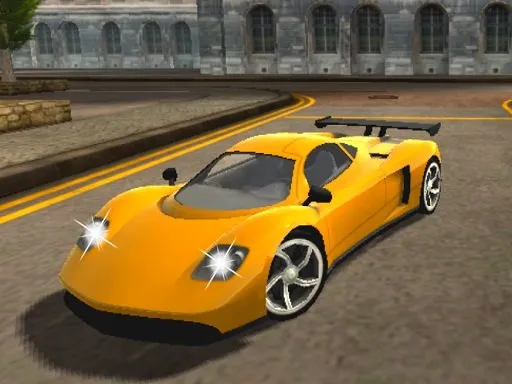
You earn XP by winning races, which you can spend on car colours and new, more powerful cars, across eight different environments.
More to play: Racing games · 3D games · Action games · Car games · Simulation games
Categories
Racing 3D Action Car Simulation
Tags Comments