Dora Exploring Jigsaw
Played 1 times.


About Dora Exploring Jigsaw
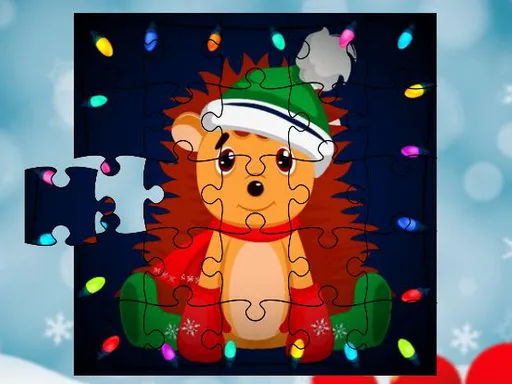
A jigsaw for young explorers: that is Dora Exploring Jigsaw. You pick one of six pictures and then choose how big the puzzle will be, with easy, medium and hard modes using 25, 49 and 100 pieces.
That gradual climb in difficulty makes it welcoming for children who are just learning how jigsaws work, while older players can go straight to the biggest grid. There is nothing to read or learn first, so a child can start alone. Play with a mouse on a computer or with a finger on a phone or tablet, with no download required.
Game details
| Genre | Puzzle |
|---|---|
| Controls | Mouse or touch |
| Platform | Browser, phone and tablet |
| Cost | Free, no download |
| Screen | 1280 x 720 px |
How to play Dora Exploring Jigsaw
- Choose one of the six pictures.
- Pick easy, medium or hard: 25, 49 or 100 pieces.
- Drag pieces into place with the mouse or your finger.
- Finish the image, then try another one.
Tips for Dora Exploring Jigsaw
- Start with the easy mode to learn the controls, then raise the difficulty.
- Match the colors at the edges of pieces to find neighbors.
- Take breaks on the big puzzle; fresh eyes spot pieces faster.
Frequently asked questions
Is Dora Exploring Jigsaw free?
Yes. It is free to play online, with no download and no sign-up.
Can children play Dora Exploring Jigsaw on a tablet?
Yes. You can use the mouse on a computer or tap and drag on a touchscreen.
How many difficulty modes are in Dora Exploring Jigsaw?
Three: a small 25-piece grid, a 49-piece one, and a 100-piece grid for the hard setting.
More to play: Puzzle games · Fun games · Jigsaw games · Kids games
Categories Tags Comments