Blocks: Fill and Clear
Played 2 times.


About Blocks: Fill and Clear
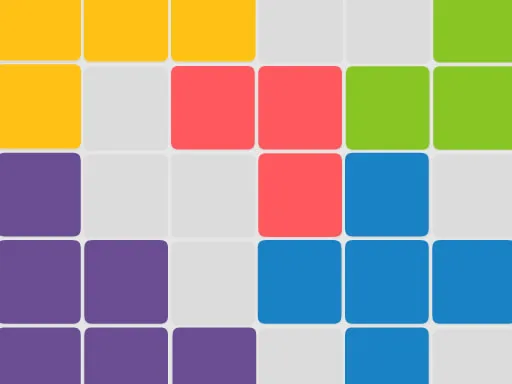
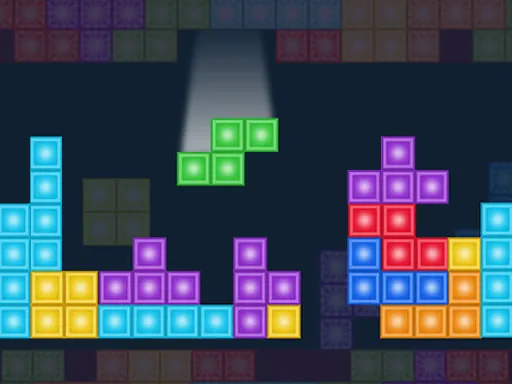
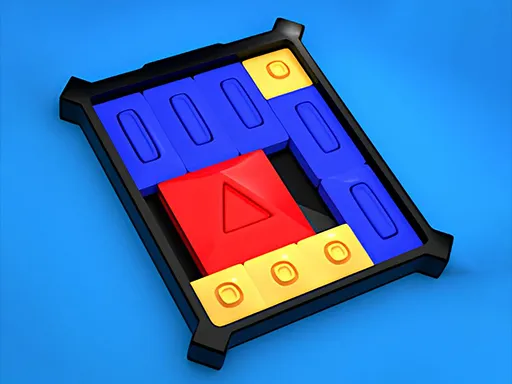
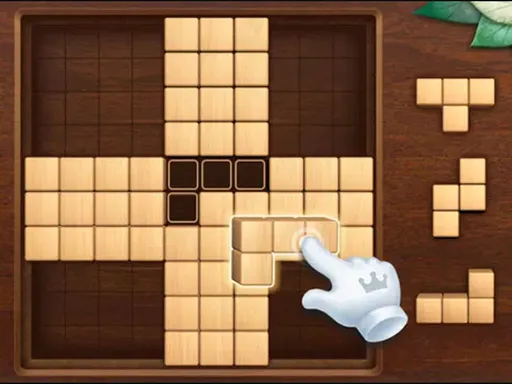
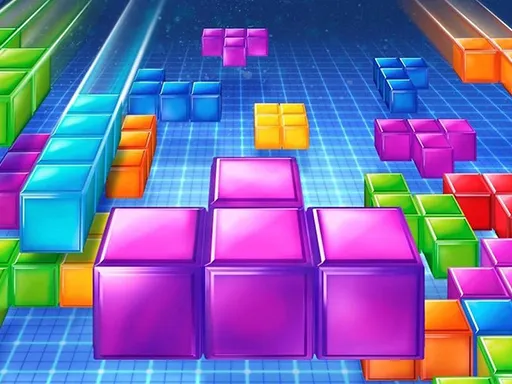
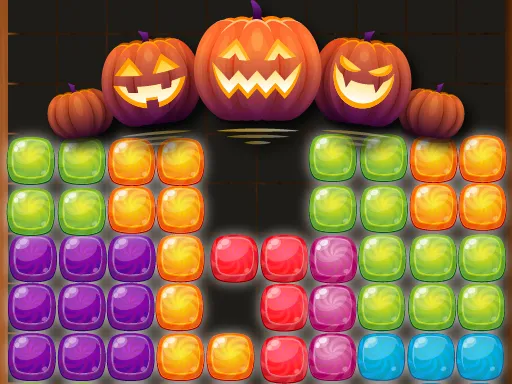
Five different modes keep Blocks: Fill and Clear from getting stale. Taking its cue from the classic falling-block puzzle, it hands you random pieces to place on a board, and full lines clear for points.
Classic is the endless mode, while Timed asks for the highest score in limited time. Others add bombs that must be defused before they explode, use unusual shapes, or mix everything together for experienced players. That variety means you can pick a calm session or a stressful one. You drag blocks using a mouse or by touch.
Game details
| Genre | Puzzle |
|---|---|
| Controls | Mouse or touch |
| Platform | Browser, phone and tablet |
| Cost | Free, no download |
| Screen | 1080 x 1920 px |
How to play Blocks: Fill and Clear
- Pick a mode: Classic, Timed, bombs, unique shapes or mixed.
- Drag a block from the tray onto the board.
- Complete full rows or columns to clear them.
- Keep placing pieces to push your score as high as possible.
Tips for Blocks: Fill and Clear
- Think about the next two pieces, not only the one in your hand.
- In bomb mode, deal with the bomb blocks first before they run out of time.
- Keep the board tidy and avoid creating deep, narrow gaps.
Frequently asked questions
Is Blocks: Fill and Clear free?
Yes. It is free to play in the browser, with no download or account needed.
What modes does Blocks: Fill and Clear have?
It offers Classic, Timed, a bomb mode, a unique-shapes mode and a mixed challenge for experienced players.
How do I move blocks in Blocks: Fill and Clear?
Drag them onto the board using a mouse or by touch, and drop them where you want them.
More to play: Puzzle games · Arcade games · Block games · Casual games · Kids games
Popular topics: 1 player · amazing · free html5 games for your website · game · html
Categories
Puzzle Arcade Casual Kids Tetris Block
Tags Comments