Racer 3D
Played 2 times.


About Racer 3D
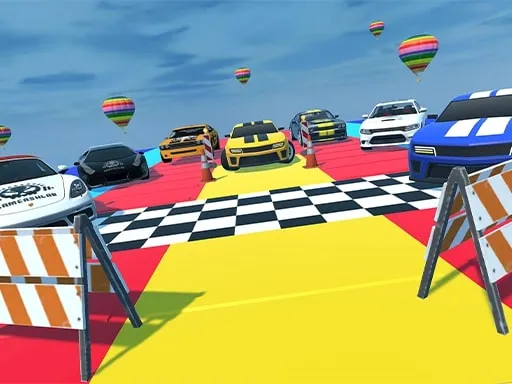
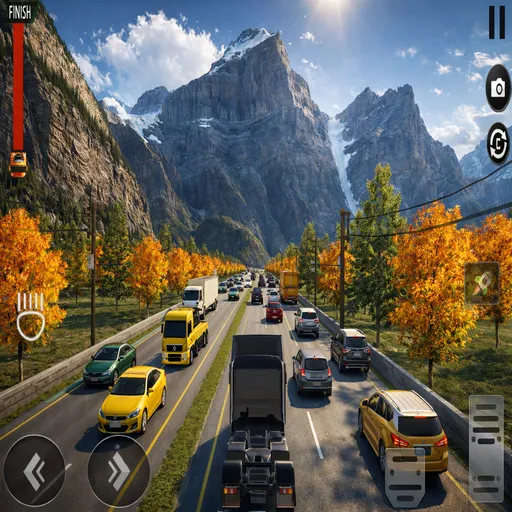
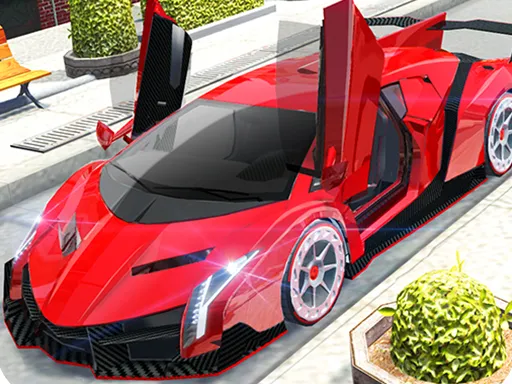
Five game modes, four tracks and a lineup of high-class sports cars give Racer 3D more variety than a single-race game. You pick a car, decide what sort of race you want and head out.
Drive with W, A, S, D or the arrow keys, hold Shift for nitro and use the space bar to brake. Tab or Esc pauses the game. Try each mode in turn, since the different race types reward different habits and let you test every car in more than one setting. The game is built with Unity, runs in the browser and is free.
Game details
| Genre | Racing |
|---|---|
| Controls | Keyboard |
| Platform | Browser, phone and tablet |
| Cost | Free, no download |
| Screen | 960 x 600 px |
How to play Racer 3D
- Pick a car and a game mode.
- Drive with W, A, S, D or the arrow keys.
- Hold Shift for nitro and press the space bar to brake.
- Press Tab or Esc to pause.
Tips for Racer 3D
- Brake with the space bar before tight corners, then boost out of them.
- Try all five modes to find the one you like.
- Use nitro on long straights.
Frequently asked questions
Is Racer 3D free to play?
Yes. Racer 3D is free, runs in your browser and needs no download or sign-up.
What controls does Racer 3D use?
W, A, S, D or the arrow keys drive, Shift is nitro, space brakes, and Tab or Esc pauses.
What can I choose in Racer 3D?
You can choose between five game modes, four tracks and several sports cars.
More to play: Racing games · Car games
Categories Tags Comments