Crash Course
Played 2 times.


About Crash Course
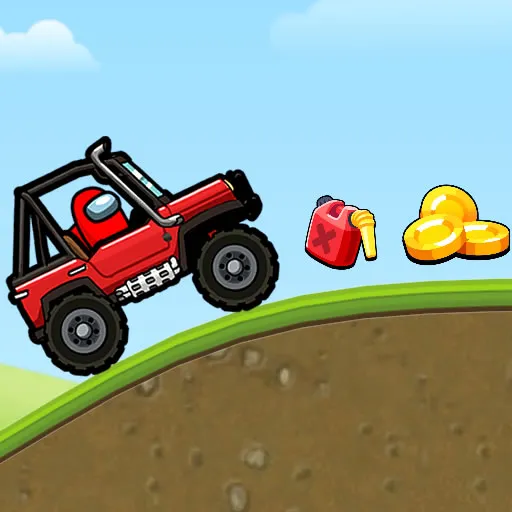
Two cartoon pals, one van and a road that is full of hazards. Crash Course is a distance racer, so the aim is simple: roll further than you managed last time without letting an obstacle end the trip.
Only the arrow keys are involved. Up builds speed, while Down slows you or puts the van in reverse. Easing in gently is smart, because it takes a few runs to learn how the vehicle responds. Pick-ups along the route can help you stretch the distance, so keep watching the road as well as your speed.
Game details
| Genre | Racing |
|---|---|
| Controls | Keyboard |
| Platform | Browser, phone and tablet |
| Cost | Free, no download |
| Screen | 800 x 600 px |
How to play Crash Course
- Press the Up arrow to build speed in the van.
- Press the Down arrow to brake or back up.
- Ease off before obstacles and speed up on clear stretches.
- Collect any help you spot, then try to beat your best distance.
Tips for Crash Course
- Start slowly so you can learn how the van handles before chasing distance.
- Tap Down to brake before an obstacle instead of ploughing straight into it.
- Treat each run as practice and remember where you crashed so you ease off there next time.
Frequently asked questions
Is Crash Course free to play?
Yes. Crash Course is free, runs in your browser on brosgame.com and needs no download or sign-up.
What controls does Crash Course use?
The arrow keys. Up speeds the van up and Down brakes or backs it up. The game also loads in mobile browsers.
What is the goal in Crash Course?
Drive the van as far as you can through the obstacles. Distance is what counts, so staying in one piece matters more than raw speed.
More to play: Racing games · Adventure games · Boys games · Jumping games · Kids games
Popular topics: 2d · anime · avoid · cartoon · cartoon network · disney
Categories
Racing Adventure Platform Kids Boys Jumping
Tags Comments