
About Cover Strike - 3D Team Shooter
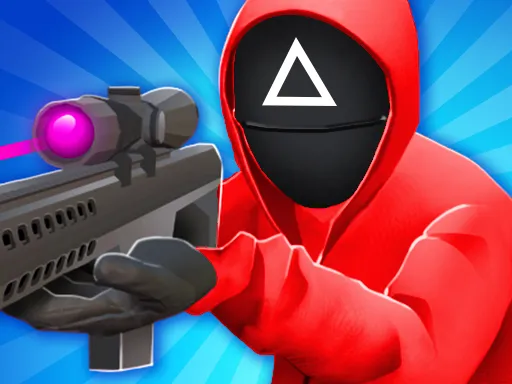
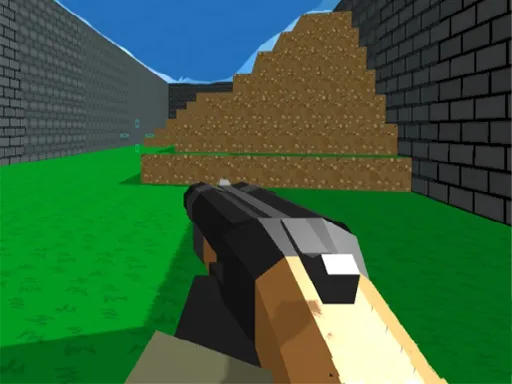
Army-style firefights are the whole point of Cover Strike - 3D Team Shooter. You head into arena battles against enemy forces, armed with a range of modern weapons, and work through missions that mix shooting with a little exploring.
Steering uses the mouse together with the arrow keys, and there are buttons drawn on the screen for the other actions, so take a moment to look them over before the first fight. It also works on touch devices, which is handy if you want a quick round on your phone. The tags point to a mix of land and water settings, so expect the scenery to change from match to match.
Game details
| Genre | Shooting |
|---|---|
| Controls | Keyboard + mouse or touch |
| Platform | Browser, phone and tablet |
| Cost | Free, no download |
| Screen | 960 x 600 px |
How to play Cover Strike - 3D Team Shooter
- Use the arrow keys to move your soldier around the battlefield.
- Move the mouse to aim at enemy forces.
- Click the on-screen buttons to shoot and use your other actions.
- Switch to a different weapon if the current one is not working.
- Finish the mission by defeating the enemies in the area.
Tips for Cover Strike - 3D Team Shooter
- Read the on-screen buttons before your first fight so you know what each one does.
- Fight from behind cover and pop out to shoot rather than standing in the open.
- Try different weapons across missions; a gun that struggles at range may shine up close.
Frequently asked questions
Is Cover Strike - 3D Team Shooter free to play?
Yes. It is free, runs in the browser, and requires no download or sign-up.
How do I control Cover Strike - 3D Team Shooter?
Use the mouse and the arrow keys, plus the buttons shown on screen. Touch screens can tap those buttons directly.
What kind of game is Cover Strike - 3D Team Shooter?
It is a 3D battle shooter where you carry out missions against enemy forces using a selection of modern weapons.
More to play: Shooting games · Adventure games · Battle games







💬 Comments