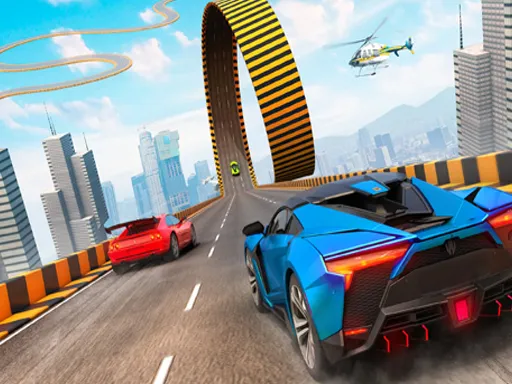
City Parking
Played 2 times.


About City Parking
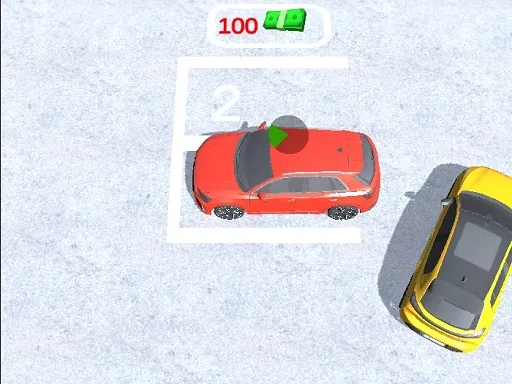
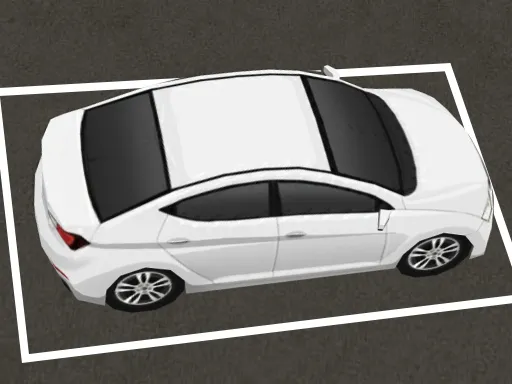
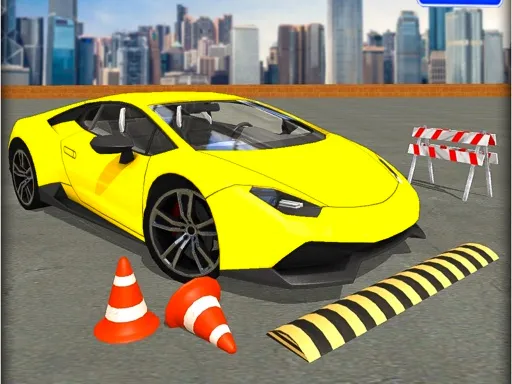
Tight bays and a flat 2D view keep the focus on one skill: stopping in the right place. City Parking is a parking game with challenging levels, where every success depends on how well you judge turns and distance.
Control is by WASD or the arrow keys, so a keyboard is the best choice, though the game is marked mobile-friendly. Because the view is two-dimensional, you can see exactly how the car lines up with the space, which makes small corrections easier. Even so, rushing leads to clipped corners, so take it slowly and let the car settle before you commit to the final move.
Game details
| Genre | Racing |
|---|---|
| Controls | Keyboard |
| Platform | Browser, phone and tablet |
| Cost | Free, no download |
| Screen | 960 x 600 px |
How to play City Parking
- Drive with WASD or the arrow keys.
- Look for the parking space on the level.
- Steer into position slowly.
- Straighten the car and stop inside the space.
- Move on to the next, tougher level.
Tips for City Parking
- Approach the space at an angle you can easily straighten.
- Move slowly in the final meter.
- If you misjudge it, reverse out and start again.
Frequently asked questions
Is City Parking free to play?
Yes. City Parking is free, runs in your browser, and needs no download and no sign-up.
What controls does City Parking use?
Use WASD or the arrow keys to drive the car. A computer keyboard works best, though the game is also marked mobile-friendly.
What kind of game is City Parking?
It is a 2D parking game where you steer a car into the space on a series of challenging levels.
More to play: Racing games · Car games · Parking games
Categories Tags Comments