Pocket League 3D
Played 2 times.


About Pocket League 3D
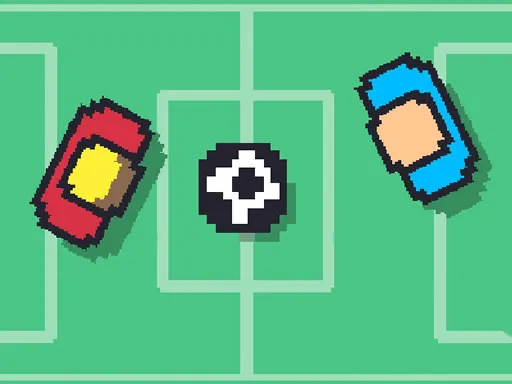
Soccer, but with cars. Pocket League 3D drops you into a 3D match where you drive into the ball instead of kicking it, trying to score more goals than your opponent before the clock hits zero.
You can play alone or share a keyboard with a friend, and AI bots can be added to help out in matches. Jumping lets you hit harder, and a second jump makes your car spin over in mid-air for an even stronger strike. You also pick the flag of a country to represent, which adds a touch of national pride to every kickoff.
Game details
| Genre | Sports |
|---|---|
| Controls | Keyboard |
| Platform | Browser, phone and tablet |
| Cost | Free, no download |
| Screen | 800 x 450 px |
How to play Pocket League 3D
- For one player, drive with the arrow keys and press Space to jump.
- Press Space again in the air to make your car flip for a stronger hit.
- For two players, player one uses the arrow keys and L to jump and flip, while player two uses WASD and G.
- Knock the ball into the other goal and score the most before time ends.
Tips for Pocket League 3D
- Jump into the ball rather than just driving at it; airborne hits send it much farther.
- Save the double-jump flip for moments when you need a powerful shot or clearance.
- Add an AI bot to your side if you want a bit of help while you learn the controls.
Frequently asked questions
Is Pocket League 3D free to play?
Yes. Pocket League 3D is free, plays in your browser, and needs no download or sign-up.
What are the controls for Pocket League 3D?
Solo players use the arrow keys to drive and Space to jump or flip. In two-player mode, one uses the arrows and L, the other uses WASD and G.
Can I play Pocket League 3D with a friend?
Yes. It supports one or two players on the same device, and computer-controlled bots can be added to a match.
More to play: Sports games · 2 Player games · 3D games · Car games · Football games
Popular topics: 2 player games · driving
Categories
2 Player Soccer 3D Car Football Sports
Tags Comments