
About City Car Driver Street Racing 2
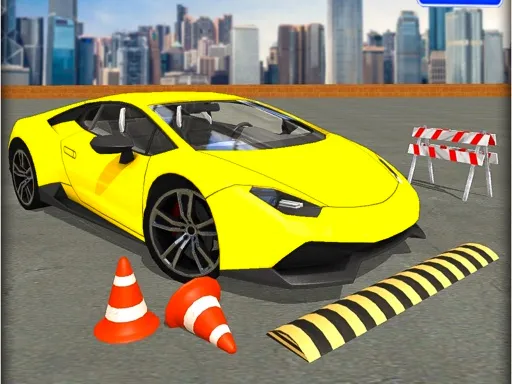
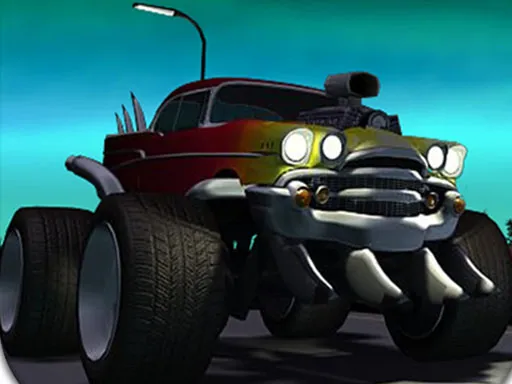
This is a sequel with a racing bent. City Car Driver Street Racing 2 puts you in a 3D urban setting where driving and speed come first, and objectives point you toward each goal.
The handling is straightforward: WASD or the arrow keys steer and accelerate, and Space triggers the handbrake for slides around corners. You can pick levels from the game menu and restart when you want a cleaner attempt. Because it is a WebGL title, it starts right inside your browser tab. Expect a pick-up-and-play street racer with enough room to improve your lines over repeated tries.
Game details
| Genre | Racing |
|---|---|
| Controls | Keyboard + mouse or touch |
| Platform | Browser, phone and tablet |
| Cost | Free, no download |
| Screen | 800 x 600 px |
How to play City Car Driver Street Racing 2
- Steer and accelerate with W, A, S and D or the arrow keys.
- Press Space for the handbrake.
- Follow the objectives that appear on screen.
- Choose a level from the menu, or restart to try again.
Tips for City Car Driver Street Racing 2
- Brake a little earlier than you think; city corners arrive quickly.
- Practice drifting with the handbrake on an open corner first.
- Learn each level's objective on a slow first run, then push the pace.
Frequently asked questions
Is City Car Driver Street Racing 2 free to play?
Yes. City Car Driver Street Racing 2 is free to play in your browser, with no download and no sign-up.
How do I drive in City Car Driver Street Racing 2?
Use WASD or the arrow keys to steer and drive, and press Space for the handbrake. Menus let you choose levels or restart.
How is City Car Driver Street Racing 2 played?
You drive through detailed city environments, follow the on-screen objectives and complete levels, using the handbrake to take sharp turns.
More to play: Racing games · 3D games · Car games





💬 Comments