Car Parking: Traffic Jam 3D
Played 1 times.


About Car Parking: Traffic Jam 3D
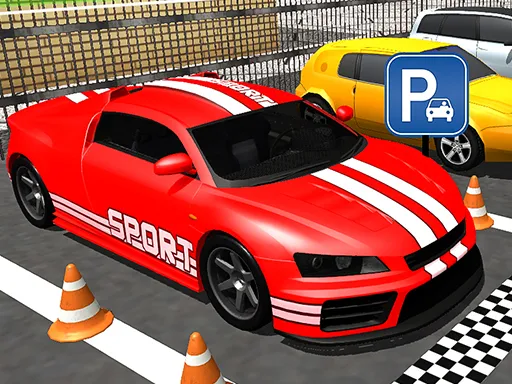
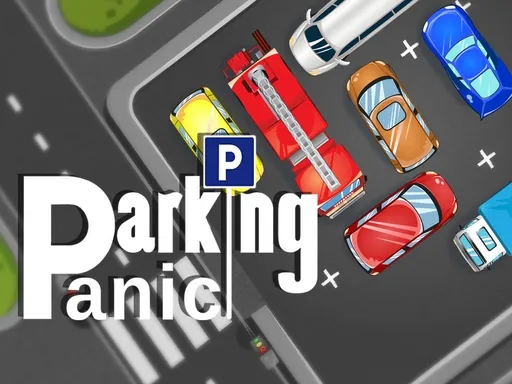
This one is a puzzle first and a driving game second. Car Parking: Traffic Jam 3D fills a parking area with stuck vehicles, and your task is to move them in the right order so every one finds its way out onto the street.
Use the keyboard controls, or swipe a car on a touch screen, to nudge vehicles along. Planning matters more than speed: look at which car is blocking which, and free the one at the end of the chain first. A wasted move can trap you, so pause and think before each push. Strategic patience is the skill on offer.
Game details
| Genre | Racing |
|---|---|
| Controls | Keyboard |
| Platform | Browser, phone and tablet |
| Cost | Free, no download |
| Screen | 800 x 600 px |
How to play Car Parking: Traffic Jam 3D
- Study which cars are blocking others.
- Move a car with the keyboard, or swipe it on a touch screen.
- Free the cars one by one in the right order.
- Clear the jam so every car reaches the road.
Tips for Car Parking: Traffic Jam 3D
- Find the car at the end of the blocking chain and free it first.
- Pause before each move; a wasted push can trap other cars.
- Work backward from the exit to plan the order of moves.
Frequently asked questions
Is Car Parking: Traffic Jam 3D free to play?
Yes. It is free, runs in your browser on brosgame.com and needs no download or sign-up.
How do I move cars in Car Parking: Traffic Jam 3D?
Use the keyboard controls, or swipe the car on a touch screen to move it.
What is the goal of Car Parking: Traffic Jam 3D?
To clear the jam by moving each blocked car aside, in the right order, until every vehicle can drive out.
More to play: Racing games · Parking games
Popular topics: 8 ball pool · candy · drift · drifting · driving · monster
Categories Tags Comments