Neon Racer
Played 3 times.


About Neon Racer
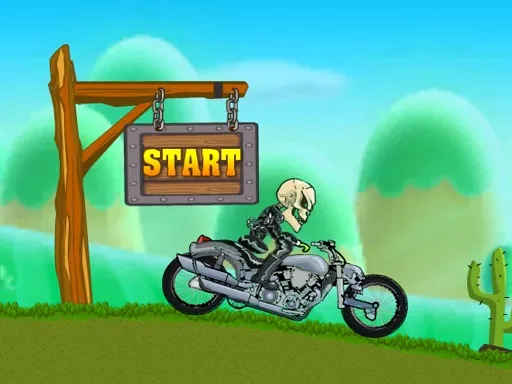
Balance decides everything on a 2D motorbike course. Neon Racer keeps the controls tiny, with two keys to steer and one to leap, and then fills the road with levels that test how well you use them. There is no engine tuning to worry about, just you, the bike and the track.
That simplicity makes it easy to start and surprisingly hard to finish cleanly. A bad landing or a late jump ends a run quickly, so you learn each level by repeating it until your timing settles. The game is free in the browser, loads fast, and works well for a quick attempt between other things.
Game details
| Genre | Racing |
|---|---|
| Controls | Keyboard |
| Platform | Browser, phone and tablet |
| Cost | Free, no download |
| Screen | 960 x 600 px |
How to play Neon Racer
- Press the left and right arrow keys, or A and D, to steer the motorbike.
- Press W or the up arrow to jump over gaps and hazards.
- Adjust your tilt in the air so the bike lands on its wheels.
- Keep moving through each level until you reach the end.
Tips for Neon Racer
- Jump a moment before the edge rather than at it, so you have room to correct in the air.
- Tap the steering keys lightly; holding them down tends to over-rotate the bike.
- Replay a level you fail, because each attempt shows where the awkward spots sit.
Frequently asked questions
Is Neon Racer free?
Yes. Neon Racer is free, plays directly in your browser, and does not need a download or an account.
What are the controls in Neon Racer?
Use A and D or the left and right arrows to steer the bike, and W or the up arrow to jump. A keyboard on a computer is the most comfortable setup.
Is Neon Racer a 2D or 3D game?
It is a 2D game seen from the side, so you read the terrain on a flat screen and focus on jump timing and balance.
More to play: Racing games
Popular topics: moto · motorcycle
Categories Tags Comments