Car Driving Speed Trial
Played 1 times.


About Car Driving Speed Trial
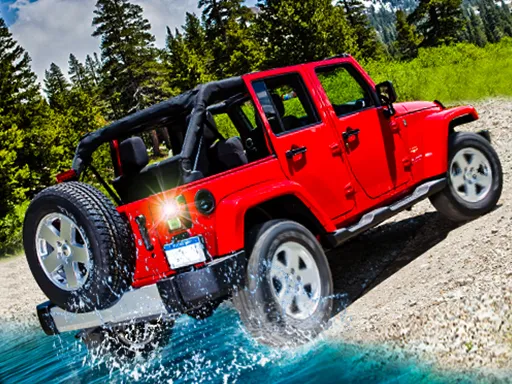
Pick a car, give it a paint job, then go looking for something valuable. Car Driving Speed Trial sends you across a big map to find a key or some cash, with a minimap showing where the target sits.
That treasure-hunt structure gives the driving a purpose beyond lap times, and you can get a brake, a nitro boost and a choice of cameras to help with the search. Controls are all on the keyboard, and the Tab key opens the menu when you want to change things. It is a one-player 3D game that loads in a browser, and the listing marks it as mobile-friendly as well.
Game details
| Genre | Racing |
|---|---|
| Controls | Keyboard |
| Platform | Browser, phone and tablet |
| Cost | Free, no download |
| Screen | 800 x 600 px |
How to play Car Driving Speed Trial
- Choose a car and paint it in the menu.
- Drive with W, A, S and D, and use space to brake.
- Press F for a nitro boost and C to switch camera.
- Follow the minimap to the key or cash, and press Tab for the menu.
Tips for Car Driving Speed Trial
- Check the minimap every few seconds so you do not drive away from the target.
- Save the nitro for long straight stretches where it makes the most difference.
- Use the brake before sharp turns instead of holding the throttle all the way.
Frequently asked questions
Is Car Driving Speed Trial free?
Yes. Car Driving Speed Trial is free, runs in your browser, and requires no download or sign-up.
What are the controls in Car Driving Speed Trial?
W, A, S and D drive, F is nitro, space brakes, C changes camera and Tab opens the menu.
What is the goal in Car Driving Speed Trial?
Drive across the map to collect an item such as a key or some cash, using the minimap to see where it sits.
More to play: Racing games · Car games
Popular topics: 1 player · cars · driving · simulator · supercars · unity3d
Categories Tags Comments