Grand City Stunts
Played 2 times.


About Grand City Stunts
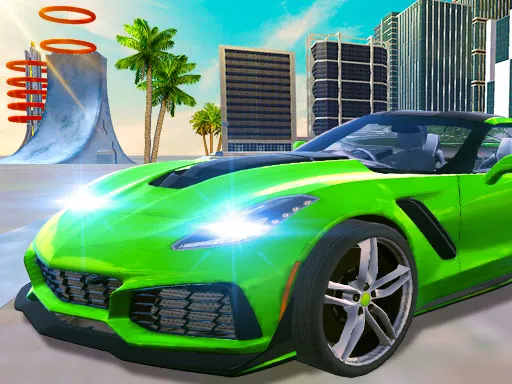
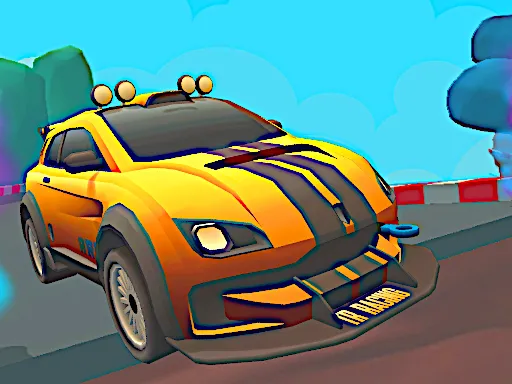
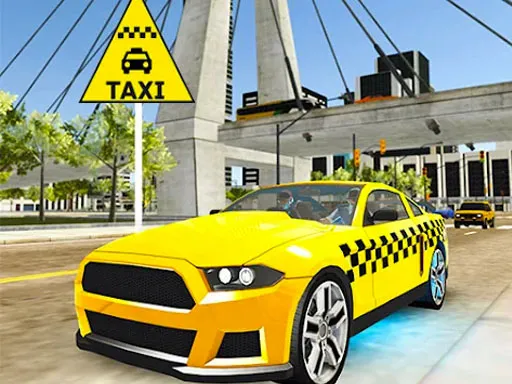
Stunts and races share the streets here, and a friend can join in. Grand City Stunts offers solo or shared races in a big city, with CPU racers on the grid beside you, and taking the win is how you earn a reward.
Player one uses W, A, S and D with F for nitro, T to look back, R to respawn and Space for the handbrake. Player two uses the arrow keys with K for nitro, L to look back, O to respawn and Right Shift for the handbrake. A computer keyboard is the best fit, though the game is marked mobile-friendly.
Game details
| Genre | Racing |
|---|---|
| Controls | Keyboard |
| Platform | Browser, phone and tablet |
| Cost | Free, no download |
| Screen | 800 x 450 px |
How to play Grand City Stunts
- Choose a solo or shared race.
- Player one: W, A, S and D to drive, F for nitro, Space for the handbrake.
- Player two: arrow keys to drive, K for nitro, Right Shift for the handbrake.
- Use R or O to respawn if you get stuck.
- Take first place to collect a reward.
Tips for Grand City Stunts
- Use the handbrake to tighten a corner rather than braking hard.
- Respawn quickly when stuck; the CPU racers will not wait.
- Save nitro for the final stretch.
Frequently asked questions
Is Grand City Stunts free to play?
Yes. Grand City Stunts is free, runs in your browser, and needs no download and no sign-up.
Can two people play Grand City Stunts?
Yes. Player one uses W, A, S and D with F for nitro, and player two uses the arrow keys with K for nitro, on the same keyboard.
How do I get a reward in Grand City Stunts?
You have to take first place in the race, ahead of the CPU racers and any friend playing alongside you.
More to play: Racing games · 2 Player games · Boys games
Popular topics: 2 player games · crazy · race · stunts
Categories Tags Comments