Call of Ops 3
Played 1 times.


About Call of Ops 3
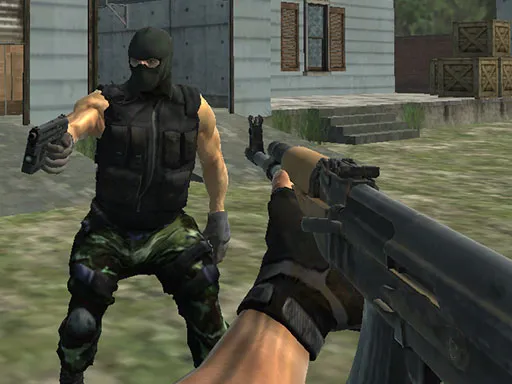
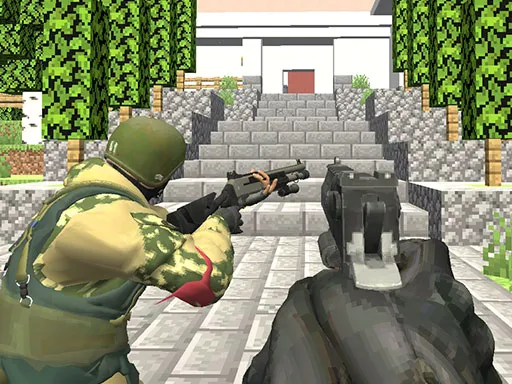
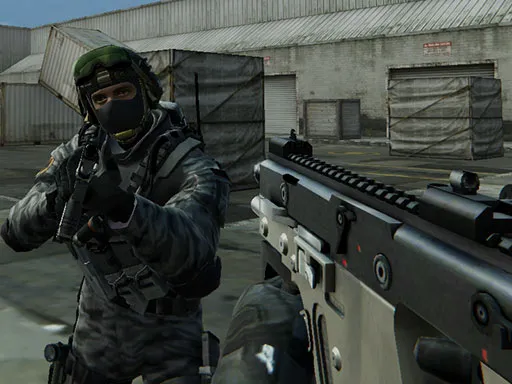
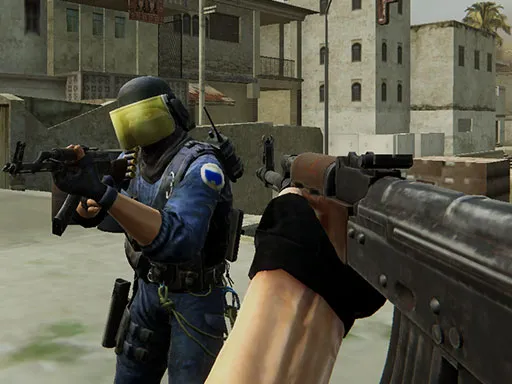
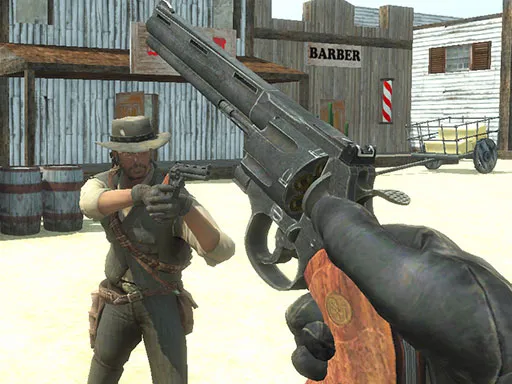
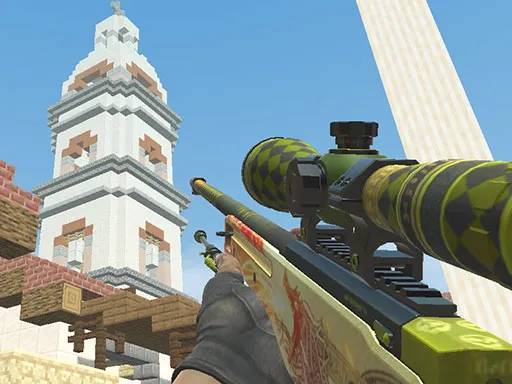
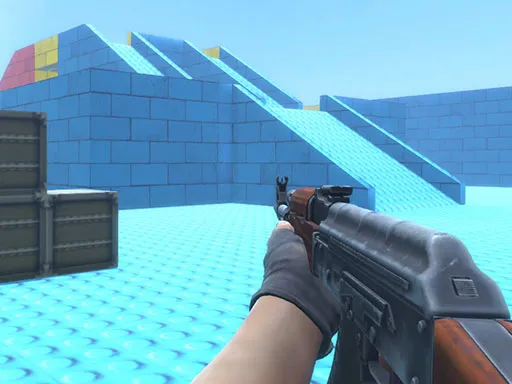
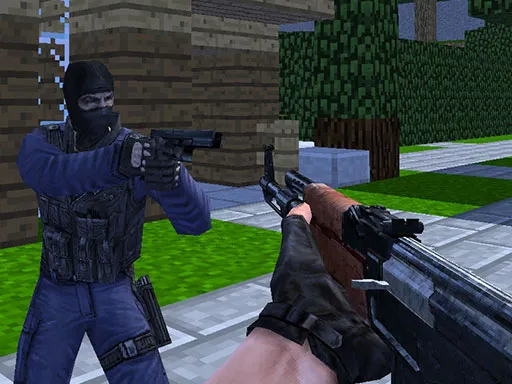
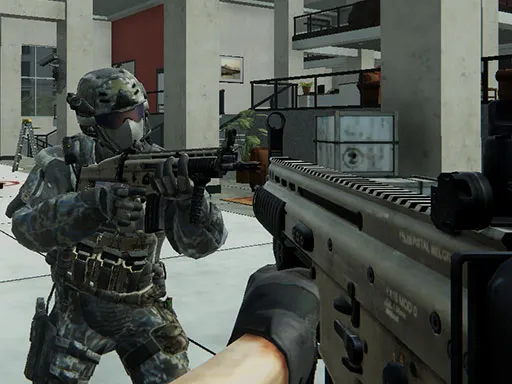
Deathmatch is the whole menu in Call of Ops 3, and it is served with next-generation graphics and a good range of weapons. You take on opposing players across several maps, and the person with the highest kill count wins.
Move with W A S D, jump with Space, crouch with C, shoot with the left mouse button and aim with the right. R reloads, P opens the pause menu, and 1, 2 and 3 pick your weapon. Everything points to a keyboard and mouse setup, which is what a 3D multiplayer shooter prefers. It runs in your browser with no install, so you can jump into a match quickly.
Game details
| Genre | Shooting |
|---|---|
| Controls | Keyboard |
| Platform | Browser, phone and tablet |
| Cost | Free, no download |
| Screen | 960 x 600 px |
How to play Call of Ops 3
- Move with W A S D, jump with Space and crouch with C.
- Aim with right click and shoot with left click.
- Press 1, 2 or 3 to choose a weapon.
- Beat your rivals to the most frags.
Tips for Call of Ops 3
- Reload in cover rather than in the open.
- Crouch to steady your aim at range.
- Pick the weapon that suits the map's distances.
Frequently asked questions
Is Call of Ops 3 free to play?
Yes. It is free, runs in your browser, and needs no download or sign-up.
What are the controls in Call of Ops 3?
W A S D to move, Space to jump, C to crouch, left click to shoot, right click to aim, R to reload, P for pause and 1 2 3 to select weapons.
What is the game mode in Call of Ops 3?
It is a deathmatch on several maps against other players, and the top frag count wins.
More to play: Shooting games · 3D games · Action games · Multiplayer games · Shooter games
Popular topics: 3d games · gun · shoot · shoot em up
Categories
3D Action Shooter Shooting Multiplayer
Tags Comments