Boom Wheels 3D
Played 3 times.


About Boom Wheels 3D
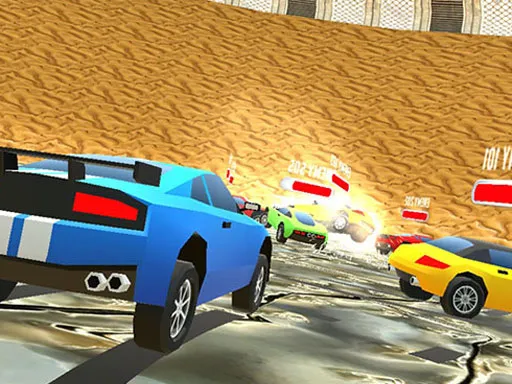
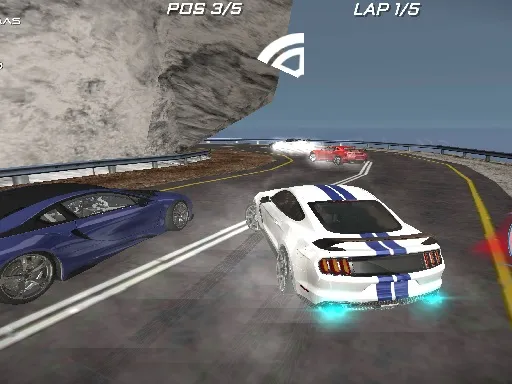
Karts and chaos share the track in Boom Wheels 3D. You race a supercharged go-kart around bright courses while picking up power-ups to use against everyone else: a speed boost, rockets, a heavy stone to drop on rivals, or banana peels to leave behind.
Steering is straightforward, but knowing when to fire an item is the real skill. Using a rocket at the wrong moment wastes it, while a well-timed boost can send you to the front. On a computer you drive with WASD or the arrow keys and use Space for your power-up. On a phone you press near the left or right edge to steer, press the brake symbol to slow, and flick upward to use an item.
Game details
| Genre | Racing |
|---|---|
| Controls | Keyboard + mouse or touch |
| Platform | Browser, phone and tablet |
| Cost | Free, no download |
| Screen | 800 x 600 px |
How to play Boom Wheels 3D
- Use WASD or the arrow keys to steer and accelerate.
- Press Space to fire the power-up you are carrying.
- On a phone, press near the left or right edge to steer.
- Hit the brake symbol to slow down, and flick upward to launch an item.
Tips for Boom Wheels 3D
- Hold a rocket until a rival is lined up in front of you.
- Drop banana peels on narrow stretches where rivals cannot avoid them.
- Use the brake sparingly; a tidy line usually beats sudden slowing.
Frequently asked questions
Is Boom Wheels 3D free to play?
Yes. It is free in your browser, with no download or sign-up.
How do I steer in Boom Wheels 3D?
On a computer, use WASD or the arrow keys and Space for power-ups. On touch screens, press the left or right side to steer.
What power-ups are in Boom Wheels 3D?
You can boost your speed, fire rockets, crush opponents with a big stone, or scatter banana peels behind you for other racers.
More to play: Racing games · Action games · Battle games · Car games · Skill games
Categories
Racing Action Car Skill Battle
Tags Comments