
About Bmx
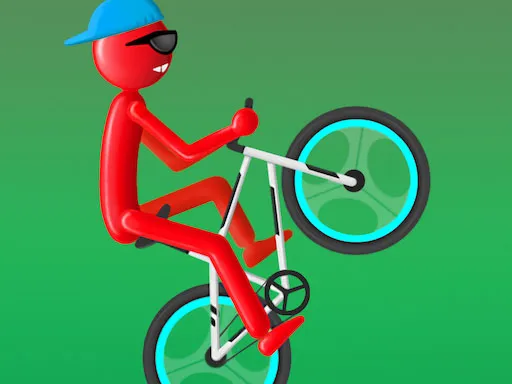
Bikes, jumps and a bit of skill: that is the picture the tags paint for Bmx. The listing itself is mostly generic, describing a classic, easy-to-play game for kids and families with good graphics and sound, so the best way to learn the specifics is to start a run.
Since the category list includes clicker, jumping and skill, you can expect quick inputs and a focus on timing rather than long tutorials. That makes it simple to try in a short break, and a bad run costs you only a moment. It loads in the browser with no installation, and the page is flagged as mobile friendly, so touch controls should work too.
Game details
| Genre | Sports |
|---|---|
| Controls | Mouse or touch |
| Platform | Browser, phone and tablet |
| Cost | Free, no download |
| Screen | 800 x 600 px |
How to play Bmx
- Open the game and read any on-screen instructions.
- Click, tap or use the keys shown to control your rider.
- Time your jumps and moves to stay on course.
- Play again to beat your previous attempt.
Tips for Bmx
- Use your first run to figure out what each control does.
- Focus on timing instead of speed, because one clean move is better than five rushed ones.
- Take short breaks between runs if you find your timing slipping.
Frequently asked questions
Is Bmx free to play?
Yes. Bmx is free, runs in your browser and needs no download or sign-up.
How do I play Bmx on a phone?
The page is marked as mobile friendly. Tap the screen and follow any prompts, or use the mouse and keys on a computer.
What kind of game is Bmx?
It is a casual skill game with a bike and jumping theme, aimed at kids and families.
More to play: Sports games · Clicker games · Fun games · Jumping games · Kids games
Popular topics: android · bike · cartoon · cartoon network · classic · click



💬 Comments