Blocks 8
Played 1 times.


About Blocks 8
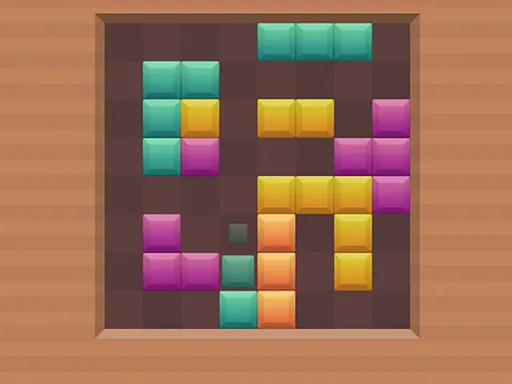
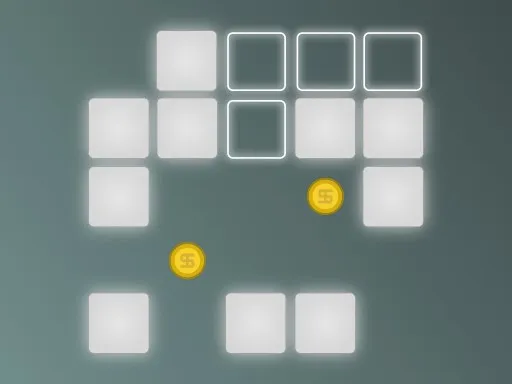
Tetris fans will recognize the logic, but there is no falling and no rotating here. Blocks 8 hands you a set of pieces and lets you place them wherever you like, with the goal of completing full rows or columns to clear them from the board.
Because you carry each piece to its spot yourself, the challenge is planning ahead: each placement should leave space for whatever comes next. Run out of room and the game is over, so a tidy board matters. The tall layout is made for phones and tablets, and a mouse works well for dragging on a computer.
Game details
| Genre | Puzzle |
|---|---|
| Controls | Mouse or touch |
| Platform | Browser, phone and tablet |
| Cost | Free, no download |
| Screen | 1080 x 1920 px |
How to play Blocks 8
- Look at the pieces offered below the board.
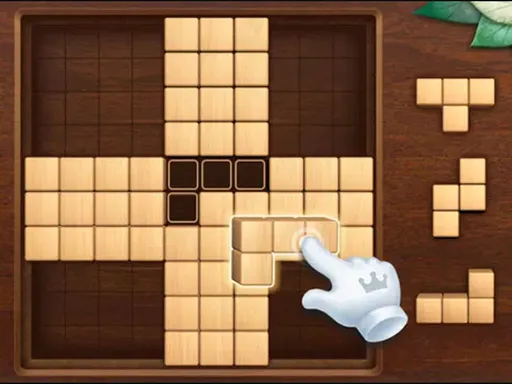
- Drag a piece onto the board and drop it in place.
- Complete a whole line across or down and it clears, scoring points.
- Keep placing pieces and clearing lines for as long as there is room.
Tips for Blocks 8
- Before dropping a piece, check what space it leaves for the next ones, not just whether it fits.
- Aim to keep the board's edges tidy so that you do not create awkward gaps in the middle.
- Clear lines as soon as you can. Free space is more valuable than leaving a line half done.
Frequently asked questions
Is Blocks 8 free?
Yes. Blocks 8 is free, plays in your browser, and needs no download or sign-up.
How do I move pieces in Blocks 8?
Pick pieces up with a mouse or your finger and put them on the board. There is no falling piece to steer.
How does scoring work in Blocks 8?
You score by completing a full line of pieces, across or down, which removes it from the board and frees up space.
More to play: Puzzle games · Block games · Tetris games
Categories Tags Comments