Autosimulator
Played 1 times.


About Autosimulator
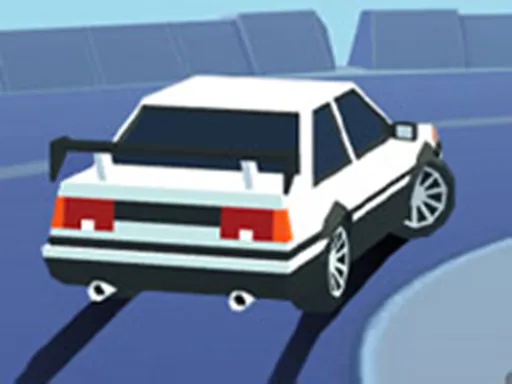
Three cars, three maps and nothing forcing you to hurry. Autosimulator is a classic driving simulation built around car stunts, so the environments are made for jumps, drifts and general experimenting.
Controls are WASD or the arrow keys to drive, Space for the handbrake, C to change the camera, R to reset the scene and E to toggle the police lights. Exploring is encouraged, which makes it a sandbox as much as a game. The game also opens on mobile, but a keyboard gives you the whole key set. Try each car on each map and see how differently they behave.
Game details
| Genre | Racing |
|---|---|
| Controls | Keyboard |
| Platform | Browser, phone and tablet |
| Cost | Free, no download |
| Screen | 960 x 600 px |
How to play Autosimulator
- Pick one of the three cars and one of the maps.
- Drive with WASD or the arrow keys.
- Press Space for the handbrake and C to change the camera.
- Press R to reset the scene and E to switch the police lights on.
Tips for Autosimulator
- Test all three cars on each map to learn what they do best.
- Use the handbrake to start drifts and sharp turns.
- Press R whenever you get stuck instead of struggling.
Frequently asked questions
Is Autosimulator free?
Yes. Autosimulator is free, runs in your browser, and needs no download or sign-up.
What controls does Autosimulator use?
WASD or arrows to drive, Space for handbrake, C for camera, R to reset and E for police lights.
What can I do in Autosimulator?
Choose from three cars and three stunt maps, and explore the environments freely.
More to play: Racing games · Car games
Categories Tags Comments