Zombies And Skeletons Coloring
Played 2 times.


About Zombies And Skeletons Coloring
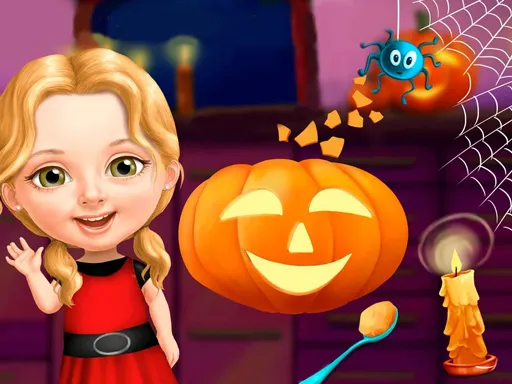
Zombies And Skeletons Coloring takes the spooky side of kids' games and gives it crayons. Instead of fighting monsters, you bring zombies and skeletons to life with color.
Use the mouse, or tap the screen on a phone or tablet, to work through the pictures at your own pace. The mood is relaxed, with the simple pleasure of choosing colors and watching a picture fill in. It suits kids who like creepy characters but not scary gameplay, and it is easy for a parent to hand over a tablet. Bold, silly color choices are encouraged, since a purple zombie or a bright orange skeleton is part of the fun.
Game details
| Genre | Puzzle |
|---|---|
| Controls | Mouse or touch |
| Platform | Browser, phone and tablet |
| Cost | Free, no download |
| Screen | 960 x 540 px |
How to play Zombies And Skeletons Coloring
- Open a zombie or skeleton picture.
- Pick a color.
- Press the areas you want to fill, with the mouse or a finger.
- Try new colors until the picture looks the way you like.
Tips for Zombies And Skeletons Coloring
- Try unusual color combinations; a green skeleton is just as good as a white one.
- Start with big areas, then fill in the small details.
- Take your time; there is no rush when you are coloring.
Frequently asked questions
Is Zombies And Skeletons Coloring free?
Yes. It is free to play in your browser, with no download and no sign-up.
How do I play Zombies And Skeletons Coloring on a phone?
Tap the screen to choose colors and fill areas. On a computer, use the mouse.
Is Zombies And Skeletons Coloring suitable for kids?
Yes. It is a coloring game with spooky characters but no fighting, so it suits young players.
More to play: Puzzle games · Coloring games · Fun games · Kids games · Zombie games
Categories
Puzzle Zombie Fun Kids Coloring
Tags Comments