Zombie Shoot
Played 3 times.


About Zombie Shoot
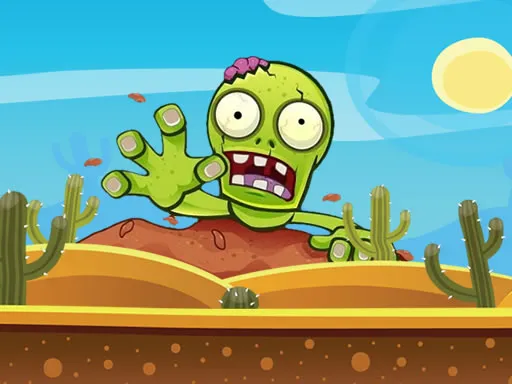
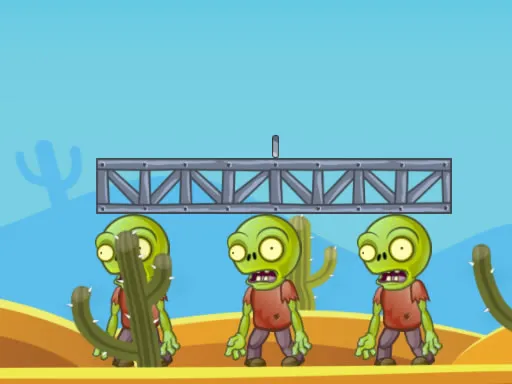
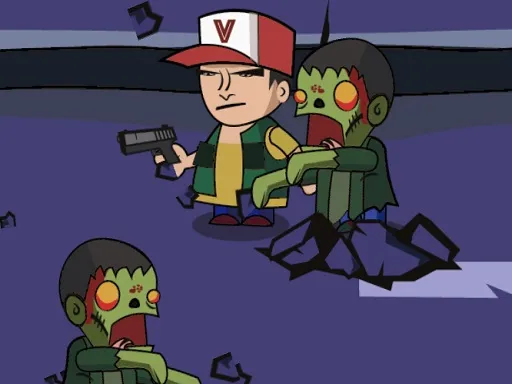
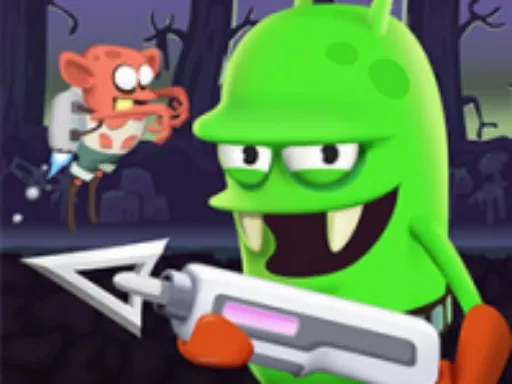
Aim, bounce, boom. In Zombie Shoot your hero carries a bazooka, and the zombies are standing around the screen in awkward places. The shells do not explode on impact; they land near the enemies and detonate after a short delay.
That turns the game into a physics puzzle. You have to think about the arc of each shot and how it might ricochet off nearby objects, because some zombies are tucked into hard-to-reach spots. Aim and fire with the mouse, or with a finger on a touch screen. It is a thoughtful, satisfying shooter that rewards experimenting with angles rather than rapid clicking.
Game details
| Genre | Shooting |
|---|---|
| Controls | Mouse or touch |
| Platform | Browser, phone and tablet |
| Cost | Free, no download |
| Screen | 1280 x 720 px |
How to play Zombie Shoot
- Aim the bazooka with the mouse or a finger on a touch device.
- Fire a shell so it lands close to the zombies.
- Wait for the shell to explode and take out the enemies nearby.
- Use bounces off objects to reach zombies in hard places.
Tips for Zombie Shoot
- Try a test shot to see how the shell flies and bounces before you plan the real one.
- Look at the walls and objects; a bounce can reach zombies a direct shot cannot.
- Patience pays off, because the shells explode on a delay.
Frequently asked questions
Is Zombie Shoot free to play?
Yes. Zombie Shoot is free in your browser, with no download and no sign-up.
How do I control Zombie Shoot?
Use the mouse to aim and fire, or your finger on a mobile device.
How do the shells work in Zombie Shoot?
Bazooka shells land near enemies and explode after a delay. You have to consider their flight path and how they bounce off objects.
More to play: Shooting games · Fun games · Skill games · Zombie games
Popular topics: bomb · gun · html5 · mobile · physics · shoot
Categories Tags Comments