Zombie Defence Team
Played 1 times.


About Zombie Defence Team
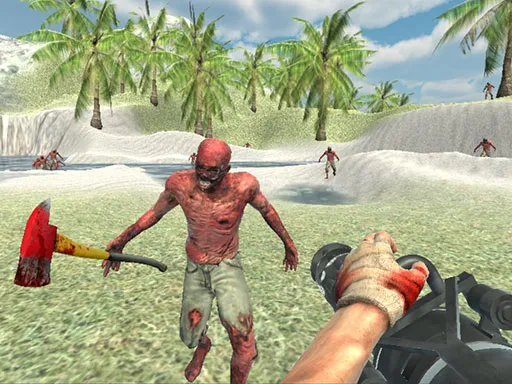
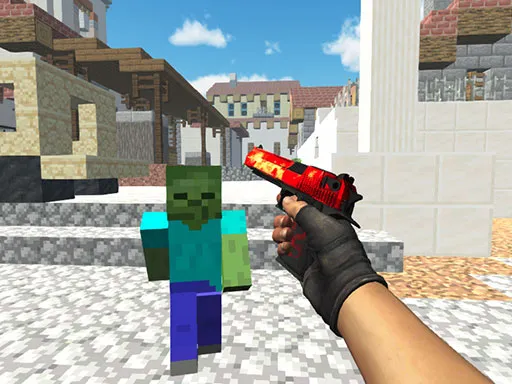
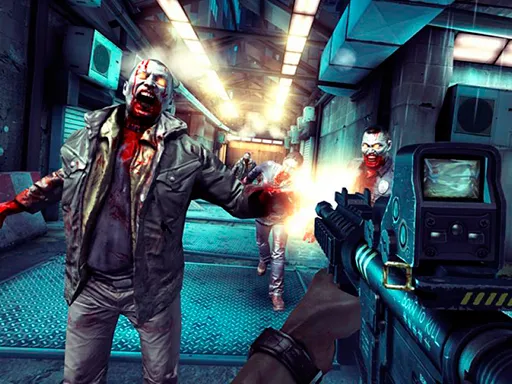
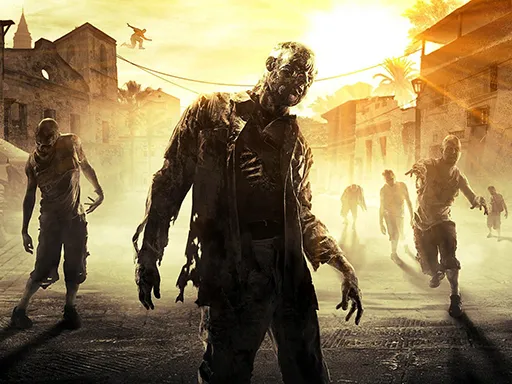
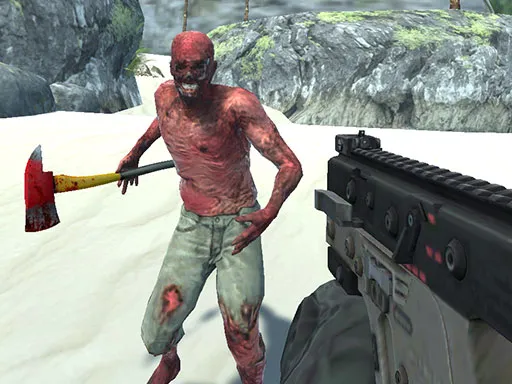
Four large levels, one soldier and a lot of undead: that is Zombie Defence Team in a sentence. You play a special forces soldier who fights through crowded zombie maps, picking from a big stock of modern weapons as you go.
Controls follow the standard first-person layout. WASD moves, the left mouse button fires, the right button aims, the wheel swaps guns, R reloads and space jumps. There is a bullet-time button on T for when the crowd gets too thick. The 3D action runs in your browser using WebGL, and a mouse and keyboard are the best way to play.
Game details
| Genre | Shooting |
|---|---|
| Controls | Keyboard + mouse or touch |
| Platform | Browser, phone and tablet |
| Cost | Free, no download |
| Screen | 960 x 600 px |
How to play Zombie Defence Team
- Move with W, A, S and D, and jump with the space bar.
- Shoot with the left mouse button and aim with the right one.
- Scroll the mouse wheel to change weapons and press R to reload.
- Press T to slow down time when the zombies close in.
Tips for Zombie Defence Team
- Switch to a weapon that suits the crowd; a big group calls for different firepower than a lone zombie.
- Reload between waves of undead, not in the middle of one.
- Save bullet time for the moments when you are nearly surrounded.
Frequently asked questions
Is Zombie Defence Team free to play?
Yes. Zombie Defence Team is free, runs in your browser, and needs no download or sign-up.
What are the controls in Zombie Defence Team?
WASD moves, the left mouse button shoots, the right button aims, the wheel changes weapon, R reloads, T is bullet time and space jumps.
How many levels does Zombie Defence Team have?
The description mentions four big levels filled with zombies, all played as a special forces soldier.
More to play: Shooting games · 3D games · Action games · Shooter games · Zombie games
Popular topics: 1 player · blood · gun · shoot em up
Categories
3D Action Shooter Shooting Zombie
Tags Comments