Word Searching
Played 1 times.


About Word Searching
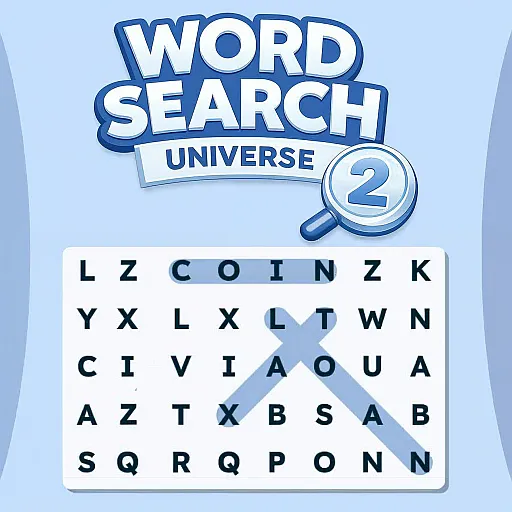
Letters fill the grid, and somewhere in there are words waiting to be circled. Word Searching is a modern take on the paper puzzle, where you swipe across the letters to pick out each term.
Words can run straight or slanted, in any of eight directions, so they may be hiding anywhere. There is no end to the supply of puzzles, so you can keep going as long as you like. Slide a finger across the screen or hold the mouse button and drag. It is a handy way to keep your brain busy for a few minutes at a time.
Game details
| Genre | Puzzle |
|---|---|
| Controls | Mouse or touch |
| Platform | Browser, phone and tablet |
| Cost | Free, no download |
| Screen | 720 x 1280 px |
How to play Word Searching
- Look through the grid for a word from the list.
- Swipe over its letters with a finger, or hold the mouse button and drag.
- Go in any direction, including diagonals.
- Find every word to complete the puzzle.
Tips for Word Searching
- Hunt for the first letter of a word, then check the eight directions around it.
- Try the longest words first; they stand out more.
- Scan rows and columns slowly rather than jumping around the grid.
Frequently asked questions
Is Word Searching free?
Yes. Word Searching is free in your browser, with no download and no sign-up.
How do I select words in Word Searching?
Slide your finger over the letters, or hold the mouse button and drag across them.
In which directions can words run in Word Searching?
Words may run in any direction, straight or slanted, so check all eight around each letter.
More to play: Puzzle games · Brain games · Educational games
Popular topics: word
Categories Tags Comments