Warfare Area 2
Played 3 times.


About Warfare Area 2
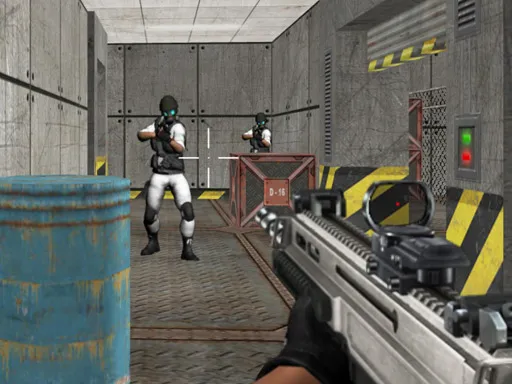
Your whole mission in Warfare Area 2 is to take out every enemy in the area, in a 3D shooter that adapts to both a computer and a phone. First aid kits scattered around help you stay alive through the war.
On a computer, move with the arrow keys or WASD, turn and shoot with the mouse, press L to lock the pointer and use R to reload and P to pause. On a phone you get a joystick drawn on the screen and a fire button, and dragging the right half of the display turns your view. Both setups are comfortable, so play on whichever you have.
Game details
| Genre | Shooting |
|---|---|
| Controls | Keyboard + mouse or touch |
| Platform | Browser, phone and tablet |
| Cost | Free, no download |
| Screen | 800 x 450 px |
How to play Warfare Area 2
- On a computer, move with the arrow keys or WASD.
- Turn and shoot with the mouse, lock the pointer with L and reload with R.
- On a phone, move with the joystick drawn on screen and press the fire button.
- Drag across the right half of the display to look around.
- Take out every enemy, using first aid kits to recover.
Tips for Warfare Area 2
- Grab first aid kits when your health is low instead of fighting on.
- Reload as soon as you find cover so you are ready for the next enemy.
- Press L on a computer so the mouse stays locked to the game.
Frequently asked questions
Is Warfare Area 2 free to play?
Yes. Warfare Area 2 is free in your browser, with no download and no sign-up.
How do you play Warfare Area 2 on a phone?
Move with the joystick drawn on screen, press the fire button, and drag on the right half to turn.
What is the goal in Warfare Area 2?
Take out every enemy in the area and use any first aid kits you find to stay alive through the war.
More to play: Shooting games · 3D games · Action games · Battle games · Boys games
Categories
3D Action Shooter Shooting War Battle Boys
Tags Comments