Venom Zombie Shooter
Played 1 times.


About Venom Zombie Shooter
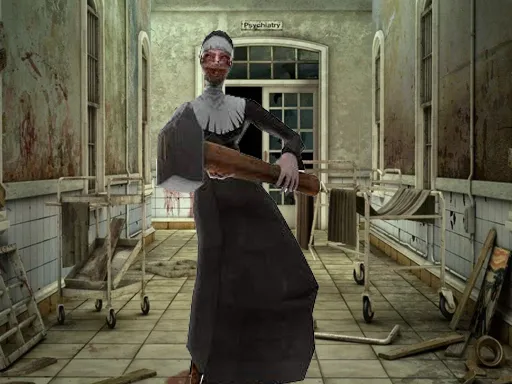
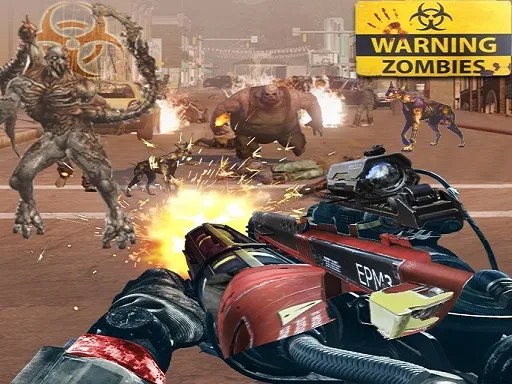
Clearing a place of the undead is the whole job in Venom Zombie Shooter, a 3D shooter with a horror mood. Each mission asks you to track down and kill every zombie, then move on to the next area.
You have up to seven weapons to choose from using the number keys, and the controls follow the standard shooter layout: WASD for movement, left click to fire, right click to aim and Space to jump. Tab pauses the game. The mission format gives you clear goals, and the 3D graphics help build the tension while you check corners. A computer with a keyboard and mouse is the best way to play.
Game details
| Genre | Shooting |
|---|---|
| Controls | Keyboard + mouse or touch |
| Platform | Browser, phone and tablet |
| Cost | Free, no download |
| Screen | 960 x 600 px |
How to play Venom Zombie Shooter
- Move through the mission with W, A, S and D.
- Right click to aim and left click to shoot the zombies.
- Press the number keys 1 to 7 to change weapons.
- Press Space to jump and Tab to pause.
- Wipe out every zombie to finish the mission.
Tips for Venom Zombie Shooter
- Aim with the right mouse button before firing at distant zombies.
- Switch to a different weapon when your current one is not doing enough.
- Check each corner before moving in; zombies can be waiting.
Frequently asked questions
Is Venom Zombie Shooter free to play?
Yes. Venom Zombie Shooter is free, runs in your browser and needs no download or sign-up.
What are the controls in Venom Zombie Shooter?
WASD moves you, left click shoots, right click aims, Space jumps, number keys 1 to 7 change weapons and Tab pauses.
What is the goal in Venom Zombie Shooter?
You need to wipe out every zombie in each mission and clear the area before moving on.
More to play: Shooting games · Zombie games
Categories Tags Comments