Unblock Blocks
Played 1 times.


About Unblock Blocks
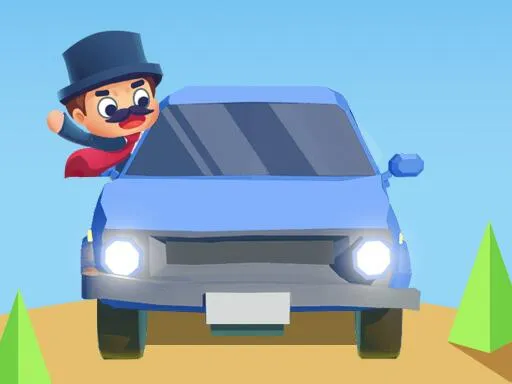
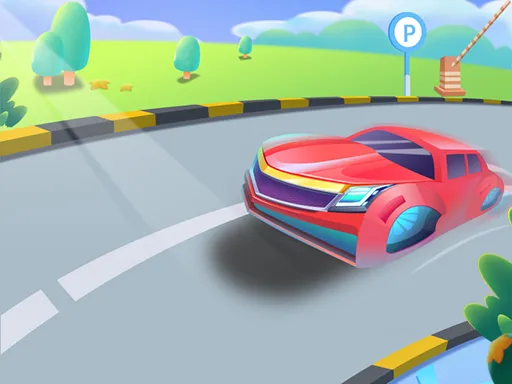
Parking lots are tight, and the green car is stuck in the middle of one. Your task in Unblock Blocks is to shuffle the other cars aside and clear a path so the green one can drive away.
Cars slide along their lanes when you drag them with a mouse or a finger, and the puzzle is working out which one has to go first. Your rating depends on how economical your solution is, so a clever one scores better than a lucky one. It is a relaxed brain game with a clear goal, and it loads quickly in any browser on a computer or a phone.
Game details
| Genre | Puzzle |
|---|---|
| Controls | Mouse or touch |
| Platform | Browser, phone and tablet |
| Cost | Free, no download |
| Screen | 720 x 1280 px |
How to play Unblock Blocks
- Study the parking area and find the green car.
- Slide other cars with your finger or the mouse.
- Clear a straight path to the exit.
- Drive the green car out in as few moves as you can.
Tips for Unblock Blocks
- Start by finding which car blocks the green one directly and work back from there.
- Plan several moves ahead on paper in your head before you slide anything.
- If you get stuck, restart and try a different order, since a shorter solution earns a better rating.
Frequently asked questions
Is Unblock Blocks free to play?
Yes. Unblock Blocks is free, plays in the browser, and needs no download or sign-up.
How do I move cars in Unblock Blocks?
Slide a car with your finger on a touch screen, or click and drag it with the mouse on a computer.
How is my rating decided in Unblock Blocks?
Your rating depends on move count: freeing the green car in fewer moves earns a higher rating.
More to play: Puzzle games · Brain games · Car games
Categories Tags Comments