Truck Parking Simulator
Played 1 times.


About Truck Parking Simulator
Backing a long truck into a tight bay is a different skill from parking a hatchback. Truck Parking Simulator puts you in the cab and asks for patience, slow steering and good judgment of angles, with nobody rushing you.
The game page gives no key list, so start with WASD or the arrow keys, which most browser driving games use, and watch the first few seconds for on-screen hints. The mobile-friendly flag means you can also try it on a phone or tablet. Expect weight and slow turning rather than arcade speed.
Game details
| Genre | Racing |
|---|---|
| Controls | Mouse or touch |
| Platform | Browser, phone and tablet |
| Cost | Free, no download |
| Screen | 800 x 600 px |
How to play Truck Parking Simulator
- Start the game and look for any on-screen control hints.
- Try WASD or the arrow keys to accelerate, brake and steer.
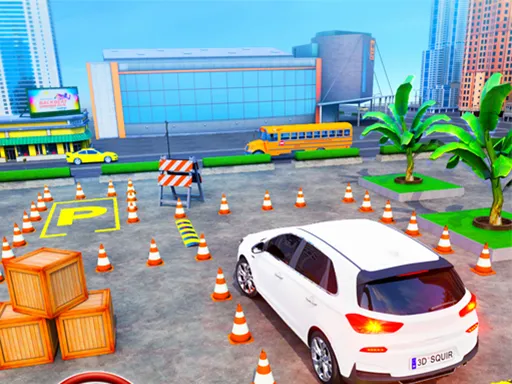
- Line the truck up with the parking bay before you commit.
- Ease the truck in slowly and stop with it inside the space.
Tips for Truck Parking Simulator
- Go slowly; a truck's long body swings wide, so give corners more room than a car needs.
- Straighten the wheels before reversing, then use small steering corrections.
- If you end up crooked, pull forward and try again instead of forcing it.
Frequently asked questions
Is Truck Parking Simulator free?
Yes. It is free, runs in your browser, and needs no download or sign-up. Open the page and start parking.
What controls does Truck Parking Simulator use?
No keys are listed, so try WASD or the arrow keys first. The game is flagged mobile-friendly, so touch controls may work on a phone or tablet.
What is the goal in Truck Parking Simulator?
You maneuver a large truck into a parking space with precision. It is a realistic-style simulator, so slow and accurate driving matters more than speed.
More to play: Racing games · Simulation games
Popular topics: simulator
Categories Tags Comments