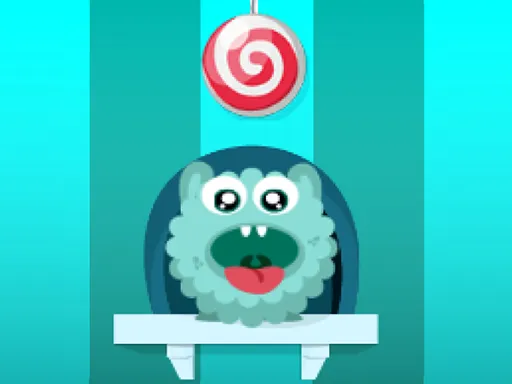
Ticktock Puzzle Challenge
Played 1 times.


About Ticktock Puzzle Challenge
A clock ticks, and a puzzle waits for your idea. Ticktock Puzzle Challenge offers classic levels alongside a challenge mode, with puzzles that call for fast thinking, logic and some creativity.
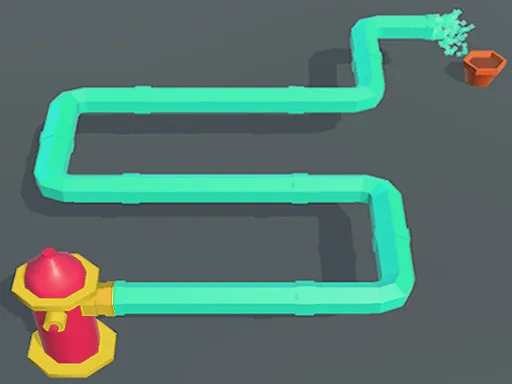
The variety is the draw: mazes, line games and other brain teasers share the same cheerful style, and every puzzle is unique. Drawing is part of the fun, so expect to trace paths and sketch solutions. It plays in a browser with a tap or a click, and the tall layout fits a phone nicely, so a quick round is always within reach.
Game details
| Genre | Puzzle |
|---|---|
| Controls | Mouse or touch |
| Platform | Browser, phone and tablet |
| Cost | Free, no download |
| Screen | 720 x 1280 px |
How to play Ticktock Puzzle Challenge
- Choose classic levels or challenge mode.
- Read the puzzle carefully, then tap or click to interact.
- Draw your path or solution on the screen.
- Beat the clock to move to the next puzzle.
Tips for Ticktock Puzzle Challenge
- Spend a few seconds looking before you draw anything.
- Try the classic mode first to learn the puzzle styles.
- If you fail, adjust the idea rather than repeating the same line.
Frequently asked questions
Is Ticktock Puzzle Challenge free?
Yes. It is free, runs in your browser, and needs no download or sign-up.
How do I play Ticktock Puzzle Challenge on a phone?
Tap and draw with your finger on the screen. On a computer, use the mouse.
What modes are in Ticktock Puzzle Challenge?
Classic levels and a challenge mode are both available, each with a variety of puzzles.
More to play: Puzzle games · Brain games
Categories Tags Comments