Supercars Zombie Driving
Played 2 times.


About Supercars Zombie Driving
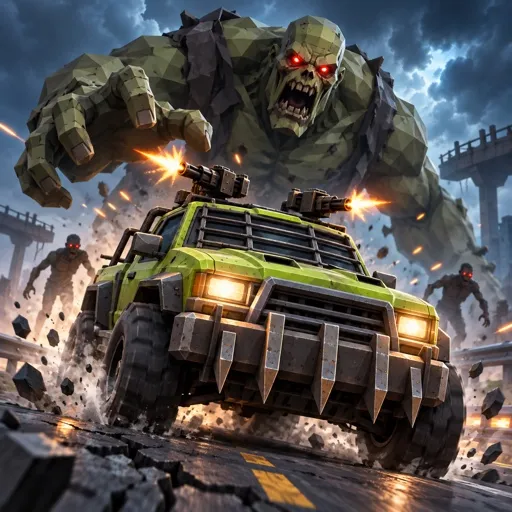
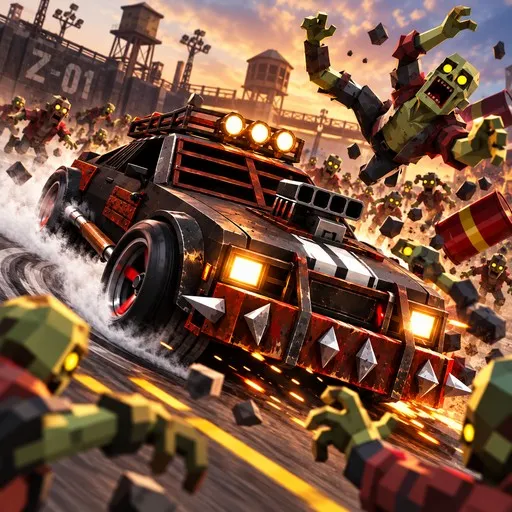
Zombies on the road are a bad idea, and you are the driver who proves it. Supercars Zombie Driving lets you take different supercars into the undead and run over everyone who gets in the way.
The game is built in Unity for the browser, so the 3D view loads quickly and nothing needs downloading. You can even step out of the car and back in, which adds a small twist to the usual driving routine. A camera button helps you choose between views, and a pause key gives you a breather. It is a single-player title, easy to try for a few minutes between other things.
Game details
| Genre | Racing |
|---|---|
| Controls | Keyboard |
| Platform | Browser, phone and tablet |
| Cost | Free, no download |
| Screen | 960 x 600 px |
How to play Supercars Zombie Driving
- Open the game and choose a supercar.
- Move with the W, A, S and D keys.
- Press F to get into a vehicle.
- Press C to switch the camera view.
- Run down the zombies in your way; press P to pause.
Tips for Supercars Zombie Driving
- Keep moving; a stopped car is an easy target for the crowd around you.
- Try each camera angle early and stick with the one that shows the road best.
- Line up several zombies before you hit the gas rather than chasing single ones.
Frequently asked questions
Is Supercars Zombie Driving free?
Yes. Supercars Zombie Driving is free to play in your browser, with no download and no sign-up.
What are the controls in Supercars Zombie Driving?
Use W, A, S and D to move, F to enter a vehicle, C to change the camera and P to pause. A keyboard is the best way to play.
What is the goal of Supercars Zombie Driving?
Take the wheel of various supercars and flatten the zombies standing between you and victory.
More to play: Racing games · 3D games · Action games · Zombie games
Popular topics: 1 player · driving · undead · unity3d · webgl
Categories Tags Comments