Suburbs Zombie Driving
Played 1 times.


About Suburbs Zombie Driving
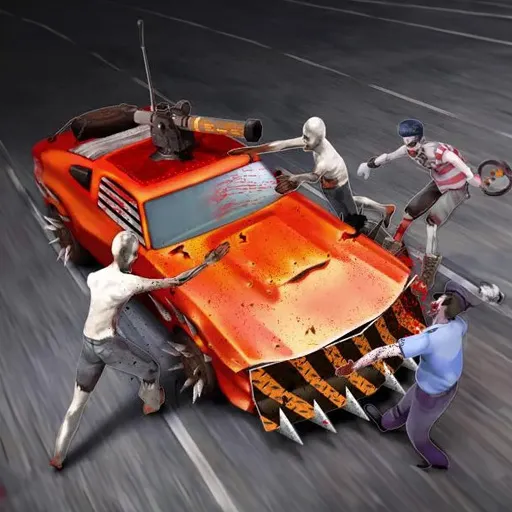
Bumpers are the weapon of choice in Suburbs Zombie Driving. Each level sends you through quiet residential streets and asks you to flatten a set number of zombies with your car before you can move on.
Progress unlocks different vehicles, so there is a reason to keep going through the levels. You drive with WASD, brake with Space and press C to change the camera mode, which helps when you want a wider view of the street. It is a 3D action game with a darkly funny premise, built for the web with Unity, and it runs on a computer or phone with no download.
Game details
| Genre | Racing |
|---|---|
| Controls | Keyboard |
| Platform | Browser, phone and tablet |
| Cost | Free, no download |
| Screen | 960 x 600 px |
How to play Suburbs Zombie Driving
- Use W, A, S and D to drive.
- Press Space to brake and C to change the camera mode.
- Run down the required zombie count for the level.
- Complete levels to unlock more cars.
Tips for Suburbs Zombie Driving
- Brake before tight turns so you stay in control of the car.
- Chase groups of zombies instead of single ones to meet the target sooner.
- Change the camera if you struggle to judge distance.
Frequently asked questions
Is Suburbs Zombie Driving free to play?
Yes. It is free in your browser, with no download or sign-up.
What controls does Suburbs Zombie Driving use?
WASD drives the car, Space brakes and C changes the camera mode. A keyboard on a computer is best.
What is the goal in Suburbs Zombie Driving?
Each level sets a zombie count. Hit that many with your car to clear it, and clearing levels also opens up new cars.
More to play: Racing games · 3D games · Arcade games · Car games · Zombie games
Categories Tags Comments