Stunt Car Impossible Track Challenge 3D
Played 2 times.


About Stunt Car Impossible Track Challenge 3D
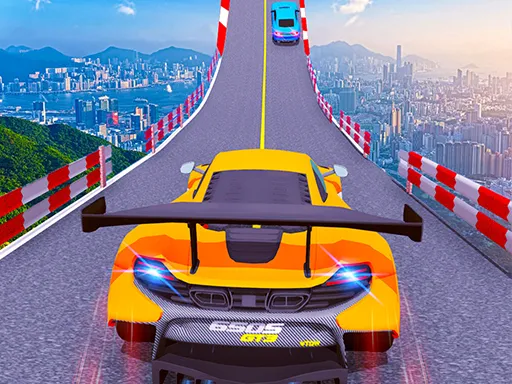
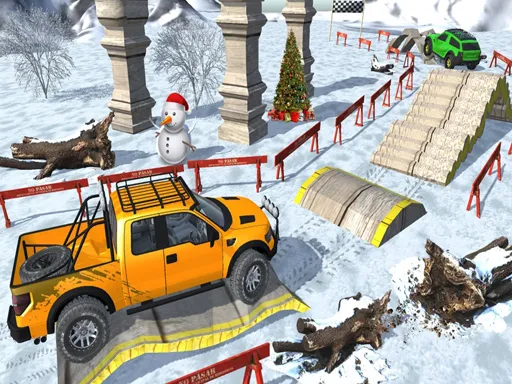
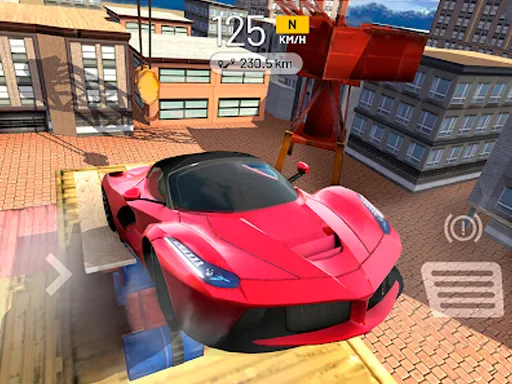
Stunt Car Impossible Track Challenge 3D is about courage, mostly. The tracks hover in the sky, zigzag around and rely on ramps, so any lapse in concentration ends with a long fall.
The game tags itself as action, adventure and simulation, and it uses keyboard keys to control the car. You accelerate, steer and manage the jump physics, learning how to land after each ramp. A higher road means a bigger penalty for being sloppy, which keeps every attempt tense. It runs in a browser window with nothing to download, and phone owners can open it too, though the keys make it easier.
Game details
| Genre | Racing |
|---|---|
| Controls | Mouse or touch |
| Platform | Browser, phone and tablet |
| Cost | Free, no download |
| Screen | 900 x 600 px |
How to play Stunt Car Impossible Track Challenge 3D
- Use the keyboard keys to accelerate and steer.
- Follow the zigzag sky road without driving over the edge.
- Hit ramps at a steady speed so the car stays level.
- Reach the end of the track to complete the stunt.
Tips for Stunt Car Impossible Track Challenge 3D
- Keep your speed moderate on narrow sections; an overcorrection can send you off the side.
- Straighten the wheels before a ramp so the car stays level in the air.
- Learn each zigzag turn and brake before it, not during it.
Frequently asked questions
Is Stunt Car Impossible Track Challenge 3D free?
Yes. It is free in your browser, with no download and no sign-up.
How do I drive in Stunt Car Impossible Track Challenge 3D?
Use the keyboard keys to accelerate and steer your car. A computer is best, though it also loads on phones.
Why do I keep falling off in Stunt Car Impossible Track Challenge 3D?
The tracks are narrow and zigzag. Slow down for turns, keep the car straight on ramps and avoid sudden steering.
More to play: Racing games · 3D games · Action games · Adventure games · Arcade games
Categories
Racing Adventure 3D Action Car Arcade Simulation
Tags Comments