Stick Fighter 3D
Played 2 times.


About Stick Fighter 3D
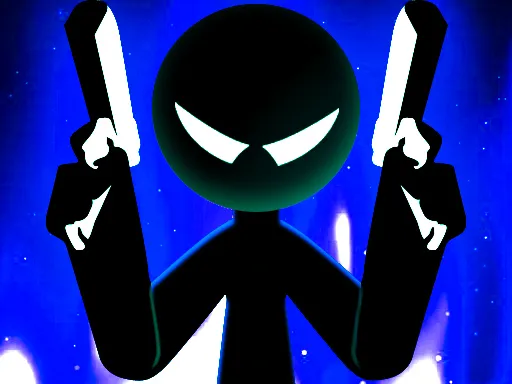
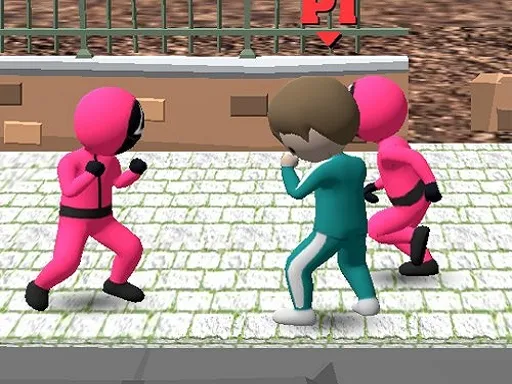
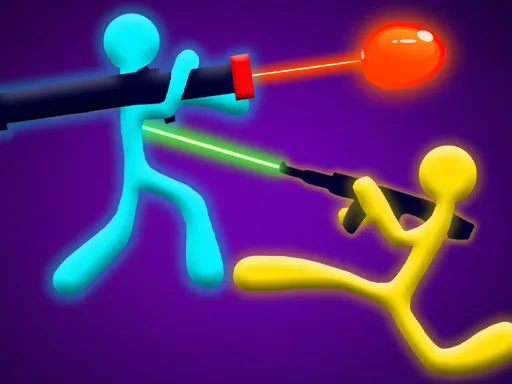
Two fighters, one keyboard. Stick Fighter 3D is a retro-styled stickman brawl that you can play alone against the computer or with a friend sitting next to you.
Each side gets its own set of keys. The blue fighter moves with W, A, S and D and punches with F, kicks with G and triggers a bonus with R. The orange fighter uses the arrow keys, with L to punch, K to kick and O for the bonus. Matches are quick, so rematches come easily. It lives in the stickman, fighting and two-player sections, and it opens in your browser, with touch support for phones and tablets.
Game details
| Genre | Stickman |
|---|---|
| Controls | Keyboard |
| Platform | Browser, phone and tablet |
| Cost | Free, no download |
| Screen | 800 x 450 px |
How to play Stick Fighter 3D
- Choose one or two players.
- Blue player: move with W, A, S and D, punch with F, kick with G, use the bonus with R.
- Orange player: move with the arrow keys, punch with L, kick with K, use the bonus with O.
- Hit your opponent with punches and kicks while dodging their attacks.
- Keep fighting until one stickman is beaten.
Tips for Stick Fighter 3D
- Mix punches and kicks so your opponent cannot predict you.
- Save your bonus move for a moment when the other fighter is open.
- Keep moving; standing still makes you easy to hit.
Frequently asked questions
Is Stick Fighter 3D free to play?
Yes. It is free in your browser, with no download and no sign-up.
How do two players use the keyboard in Stick Fighter 3D?
Blue uses W, A, S, D with F, G and R for attacks. Orange uses the arrow keys with L, K and O.
Can I play Stick Fighter 3D alone?
Yes. It has solo and two-player modes, so you can fight the computer or invite a friend to share the keyboard.
More to play: Stickman games · 2 Player games · 3D games · Fighting games
Popular topics: 2 player games · 2d · street fighting
Categories Tags Comments