Spooky Links
Played 1 times.


About Spooky Links
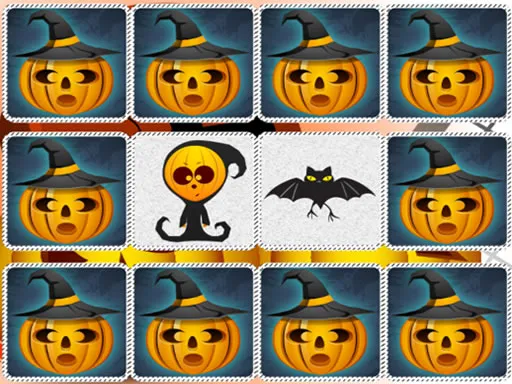
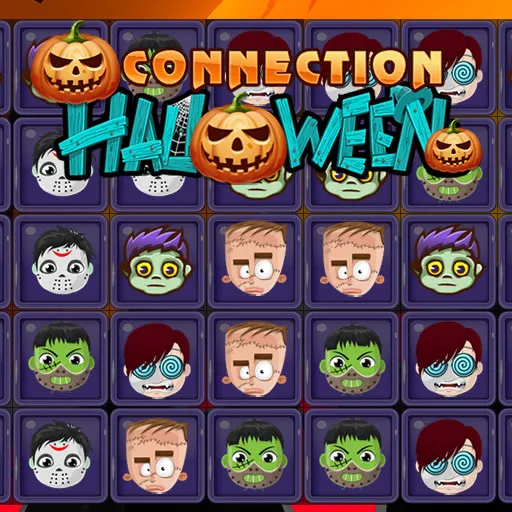
Mahjong-style matching gets a Halloween coat of paint in Spooky Links. Tiles carry spooky pictures, and your task is to find two that match and join them with a route.
The route has one rule: it may bend no more than twice. Meet that condition and the pair disappears, opening up more room for the next link. Clear every tile and the level is done, then a fresh board takes its place. The mood is calm rather than frightening, which suits a relaxed puzzle session. You can play with a mouse, a touchpad, or by tapping on a touch screen, so it works wherever you happen to be.
Game details
| Genre | Puzzle |
|---|---|
| Controls | Mouse or touch |
| Platform | Browser, phone and tablet |
| Cost | Free, no download |
| Screen | 1280 x 720 px |
How to play Spooky Links
- Pick a spooky tile by clicking or tapping it.
- Find its twin and select that one next.
- A pair clears only when a route joins them with at most two bends.
- Remove every tile on the board to finish the level.
Tips for Spooky Links
- Start with pairs that sit close together or along the edges to open up space quickly.
- Plan routes with as few bends as possible, since more than two will not work.
- Before clearing a pair, check whether it frees tiles you need or boxes others in.
Frequently asked questions
Is Spooky Links free to play?
Yes. Spooky Links is free, plays in your browser, and needs no download or sign-up.
Can I play Spooky Links with a touch screen?
Yes. Tap a first tile, followed by its twin. On a computer you can click with a mouse or touchpad instead.
When do two tiles clear in Spooky Links?
Two matching tiles clear when a route joins them with no more than two bends. A route needing more bends will not connect, so you must choose another pair.
More to play: Puzzle games · Halloween games
Categories Tags Comments