Skateboard city
Played 1 times.


About Skateboard city
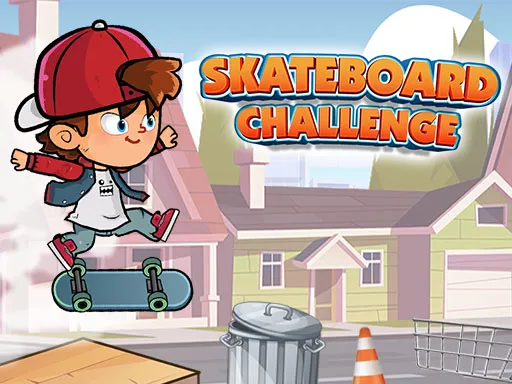
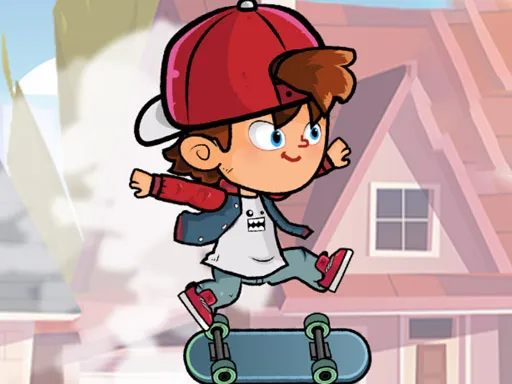
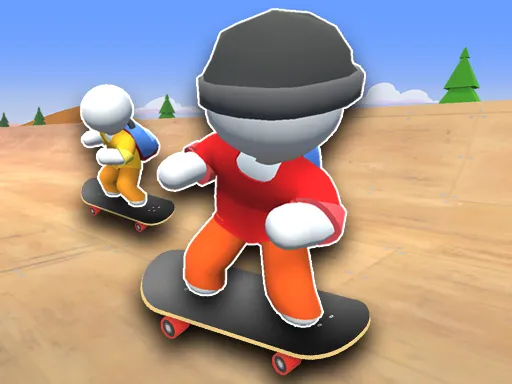
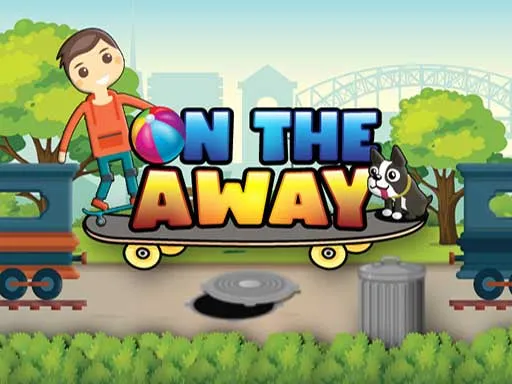
Roll out, grab the stars, finish the level. Skateboard City is a trick-filled skating game aimed at kids, where every stage is about collecting all the stars while keeping your balance on tricky ledges.
There is a catch: each level gives you only one life, so a fall from high up means starting over. Push off with the right arrow, steer with the arrow keys, perform tricks with Z and X and jump with Space. On a phone, touch controls show up on your display and the game may ask you to turn the device. It runs free at 800x600 in your browser.
Game details
| Genre | Sports |
|---|---|
| Controls | Keyboard + mouse or touch |
| Platform | Browser, phone and tablet |
| Cost | Free, no download |
| Screen | 800 x 600 px |
How to play Skateboard city
- Hit the right arrow key to push off.
- Use the arrow keys to control your skater.
- Press Z and X for tricks and Space to jump.
- Collect every star to finish the level, and avoid falling.
Tips for Skateboard city
- Take it slow near the edges of high platforms; one fall ends the attempt.
- Learn each trick key on a safe stretch before you need it.
- On a phone, rotate the device when the game asks so the controls fit.
Frequently asked questions
Is Skateboard City free?
Yes. Skateboard City is free in your browser, with no download and no sign-up.
What are the controls in Skateboard City?
Push off with the right arrow, steer with the arrows, Z and X perform tricks and Space jumps. On a phone, on-screen controls appear.
What happens if I fall in Skateboard City?
You get a single life per level, so a fall means starting that level again.
More to play: Sports games · Skateboard games
Categories Tags Comments