Side Defender
Played 2 times.


About Side Defender
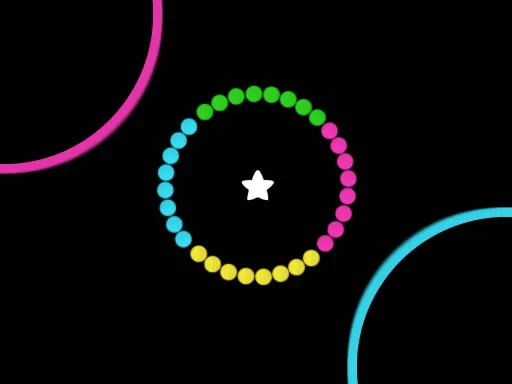
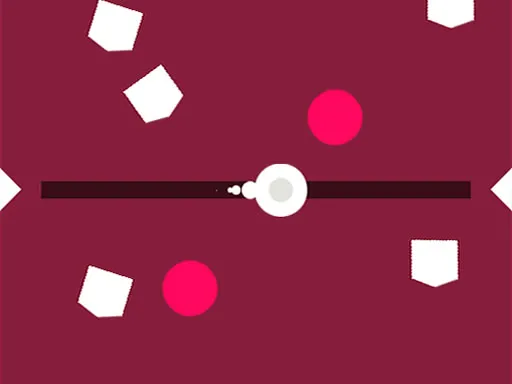
Side Defender hands you two laser stripes, one yellow and one red, along the right edge and the bottom of the screen. Round objects in those same two colours attack, and each can only be stopped by the matching ray.
Tapping or clicking a stripe fires its beam through the spot you chose, so accuracy and colour choice both matter. The more balls arrive, the more you have to read the screen and decide in an instant. It is a good quick-reflex game for kids and adults alike, and it works with a mouse or a finger. Nothing to download, nothing to sign up for.
Game details
| Genre | Puzzle |
|---|---|
| Controls | Mouse or touch |
| Platform | Browser, phone and tablet |
| Cost | Free, no download |
| Screen | 720 x 1280 px |
How to play Side Defender
- Spot the yellow stripe at the right edge and the red one along the bottom.
- Look at the colour of each incoming ball.
- Tap or click the matching stripe where the ball is.
- Destroy every ball in time to survive longer.
Tips for Side Defender
- Check the ball colour before you tap, since the wrong colour does nothing useful.
- Aim the beam so it passes straight through the ball.
- Prioritise whichever ball is closest and clear it first.
Frequently asked questions
Is Side Defender free to play?
Yes. Side Defender is free, runs in your browser, and needs no download or sign-up.
Can I play Side Defender on a touchscreen?
Yes. You can tap the stripes with your finger on a phone, or click with a mouse on a computer.
How do I destroy balls in Side Defender?
Use the stripe whose colour matches the ball, and hit it so the beam pierces the ball.
More to play: Puzzle games · Casual games · Fun games · Hypercasual games · Kids games
Categories
Puzzle Hypercasual Casual Fun Kids Skill
Tags Comments