Real City Driving 2
Played 2 times.


About Real City Driving 2
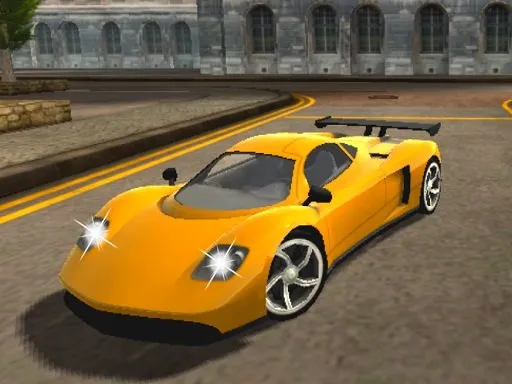
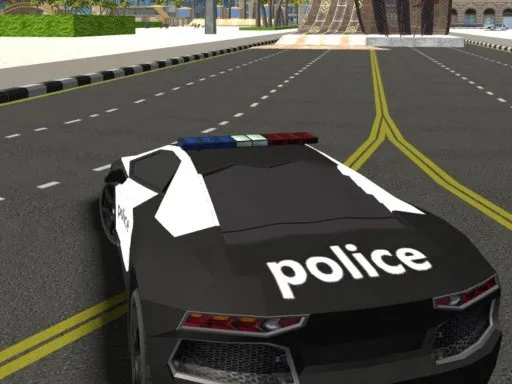
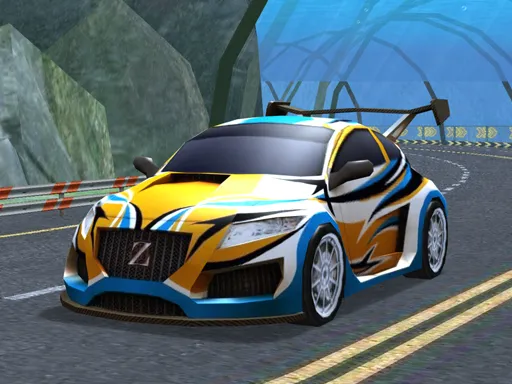
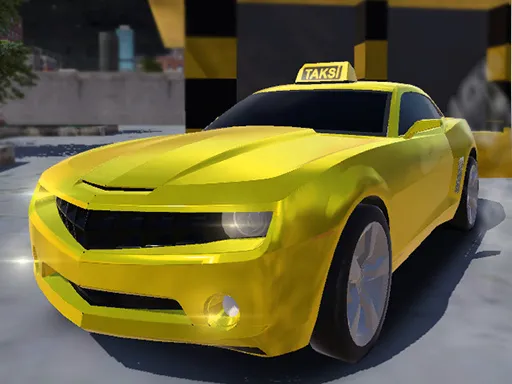
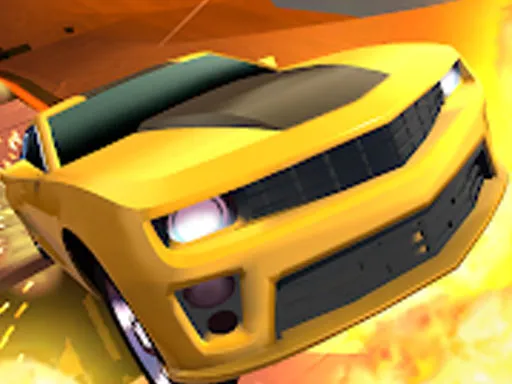
A city, a fast car and nothing telling you to slow down. Real City Driving 2 is a 3D driving game where you select from several supercars and take them as quickly as you dare across urban streets.
It uses the standard driving layout: WASD to drive, Space to brake and C to change the camera. That makes it straightforward to start, and the camera options let you switch between views until one feels right. The game runs in a browser, and it also loads on mobile, though a keyboard gives the best handling. Short sessions are easy to fit in, and tweaking your driving each time feels rewarding.
Game details
| Genre | Racing |
|---|---|
| Controls | Keyboard |
| Platform | Browser, phone and tablet |
| Cost | Free, no download |
| Screen | 960 x 600 px |
How to play Real City Driving 2
- Choose a supercar.
- Drive with the W, A, S and D keys.
- Press Space to brake.
- Press C to change the camera view.
Tips for Real City Driving 2
- Brake early for corners; supercars carry a lot of speed.
- Try each camera view to find the one that suits you.
- Pick different cars to feel how each handles.
Frequently asked questions
Is Real City Driving 2 free?
Yes. Real City Driving 2 is free, runs in your browser, and needs no download or sign-up.
What are the controls in Real City Driving 2?
WASD drives, Space brakes and C changes the camera. It also opens on mobile devices.
Can I choose my car in Real City Driving 2?
Yes. You can select from different supercars and drive them across the city.
More to play: Racing games · 3D games · Car games · Simulation games
Categories Tags Comments