
About Rambo Dragon Kinight
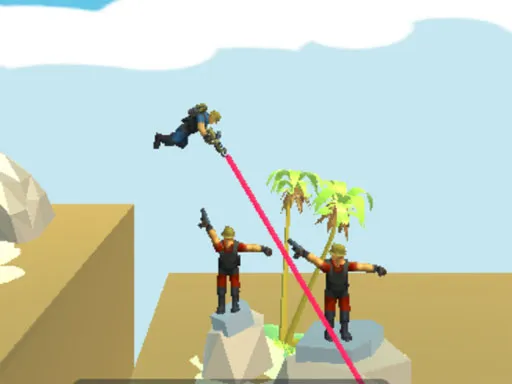
Details on this one are sparse, so here is what the game itself tells us: it is an action shooter, it has a zombie theme, and it uses both the mouse and the keyboard.
That combination usually means moving with the keys while the mouse handles aiming and firing against a crowd of undead enemies. Expect a short, direct arcade session rather than a story-heavy game. If you enjoy quick zombie shooters that load in a browser tab and play right away, Rambo Dragon Kinight is an easy way to spend a few minutes without any setup or account.
Game details
| Genre | Shooting |
|---|---|
| Controls | Keyboard + mouse or touch |
| Platform | Browser, phone and tablet |
| Cost | Free, no download |
| Screen | 800 x 600 px |
How to play Rambo Dragon Kinight
- Launch the game in your browser.
- Use the keyboard to move your character.
- Use the mouse to aim and shoot at the zombies.
- Keep fighting for as long as you can.
Tips for Rambo Dragon Kinight
- Keep moving while you shoot so the zombies cannot surround you.
- Spend a few seconds testing the controls before the action gets busy.
- Aim carefully; accurate shots matter more than fast clicks.
Frequently asked questions
Is Rambo Dragon Kinight free?
Yes. It is free, runs in your browser, and needs no download or sign-up.
What controls does Rambo Dragon Kinight use?
It uses both mouse and keyboard. Typically the keyboard moves your character and the mouse aims and shoots.
What type of game is Rambo Dragon Kinight?
It is an action shooter with zombies, so expect to shoot enemies and try to survive.
More to play: Shooting games · Action games · Zombie games
Popular topics: ben 10





💬 Comments