Poppy Playtime Coloring Book
Played 2 times.


About Poppy Playtime Coloring Book
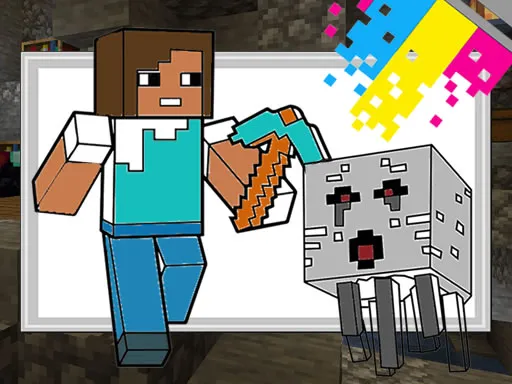
Eighteen pictures are waiting to be coloured in Poppy Playtime Coloring Book, and you have fifteen bright felt-tip pens to do it with. Pick a picture, choose a colour and fill it in however you like.
A column of circles in different sizes on the left lets you change how big your strokes are, which is handy for both large areas and fine details. When you are happy with a finished picture, you can save it. Mouse and touch controls both work, so this is a calm creative corner for kids and fans of the monster theme.
Game details
| Genre | Puzzle |
|---|---|
| Controls | Mouse or touch |
| Platform | Browser, phone and tablet |
| Cost | Free, no download |
| Screen | 1920 x 1080 px |
How to play Poppy Playtime Coloring Book
- Choose one of the 18 pictures to colour.
- Pick a pen colour from the fifteen on offer.
- Choose a circle size on the left for thicker or thinner strokes.
- Colour the picture, then save your finished artwork.
Tips for Poppy Playtime Coloring Book
- Use the big circle for large areas and the small one for edges.
- Pick contrasting colours so neighbouring parts stand out.
- Save your picture before moving on to a new one.
Frequently asked questions
Is Poppy Playtime Coloring Book free?
Yes. It is free, browser-based, and requires no download or sign-up.
How do I colour in Poppy Playtime Coloring Book?
Pick a pen, then use the mouse or your finger to colour. The circles on the left change the brush size.
Can I save my work in Poppy Playtime Coloring Book?
Yes. The game lets you save the coloured image once you are happy with it.
More to play: Puzzle games · Coloring games · Kids games · Skill games
Popular topics: 1 player · best · color · funny · mobile · monster
Categories Tags Comments