Police Cars
Played 1 times.


About Police Cars
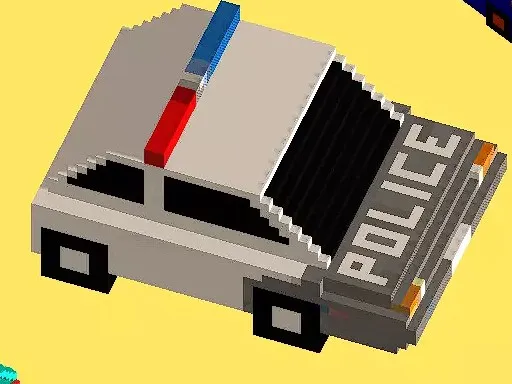
Several police cars and several environments make up the pitch for Police Cars, and that is all the structure you need. Pick a patrol vehicle, pick a setting and drive. The game is light on rules, so the fun comes from how each car feels on the road.
Use W, A, S and D to control the car and press Escape or Tab to return to the main menu when you want to switch to something else. Try every police car in turn, since small differences in handling show up quickly. It is a 3D game that plays free, with no download.
Game details
| Genre | Racing |
|---|---|
| Controls | Keyboard |
| Platform | Browser, phone and tablet |
| Cost | Free, no download |
| Screen | 960 x 600 px |
How to play Police Cars
- Choose a police car and an environment.
- Drive with W, A, S and D.
- Press Escape or Tab to go back to the main menu.
- Switch cars or environments to try something different.
Tips for Police Cars
- Start in an open area to learn how each car handles.
- Use short, gentle steering inputs at higher speeds.
- Return to the menu and try a different environment when you want a change.
Frequently asked questions
Is Police Cars free?
Yes. Police Cars is free, plays in your browser and does not need a download or sign-up.
What controls does Police Cars use?
W, A, S and D drive the car, and Escape or Tab returns you to the main menu. A computer keyboard is the best way to play.
What can I choose in Police Cars?
You can choose between several police cars and several environments before you start driving.
More to play: Racing games
Categories Tags Comments