Police Car Parking
Played 1 times.


About Police Car Parking
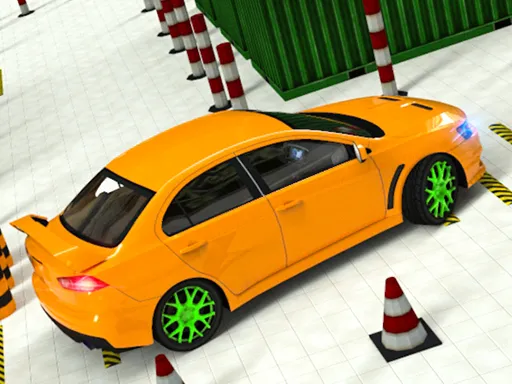
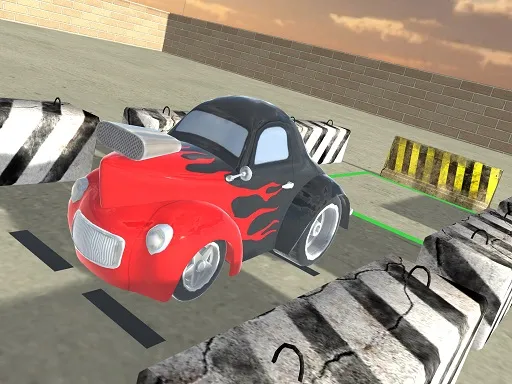
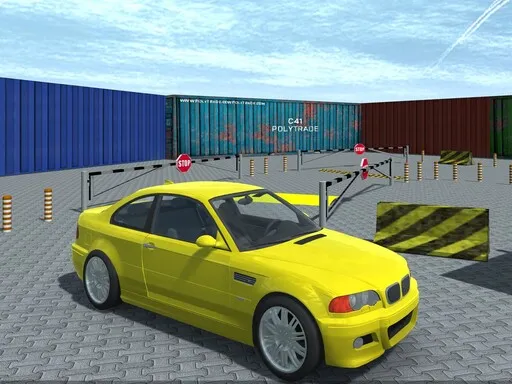
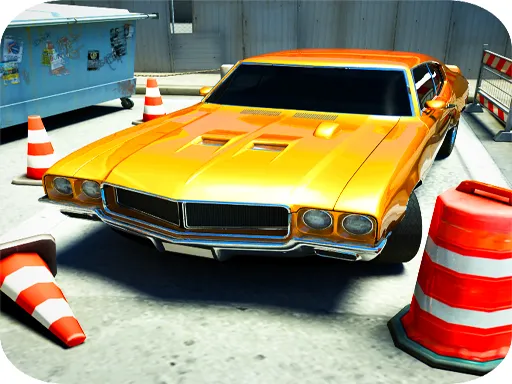
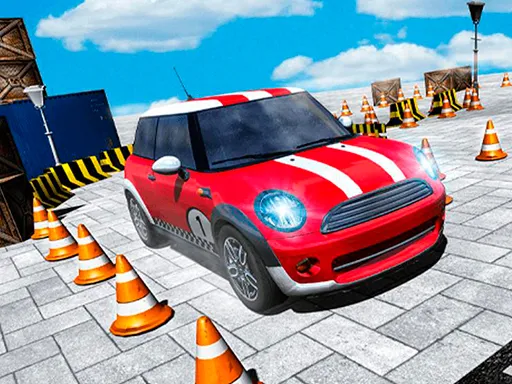
Back from patrol, the police car needs one last job: getting into its parking stand without a scratch. Police Car Parking is a 3D simulator where the whole challenge is steering the car carefully into the right space.
It is a patient kind of game, where slow driving and small corrections matter far more than speed. The 3D view lets you judge distances around the car, and the driving feels closer to a simulator than an arcade racer. If you enjoy the quiet satisfaction of a neat parking job, this one delivers it in a few minutes.
Game details
| Genre | Racing |
|---|---|
| Controls | Mouse or touch |
| Platform | Browser, phone and tablet |
| Cost | Free, no download |
| Screen | 960 x 640 px |
How to play Police Car Parking
- Start the level and take control of the police car.
- Drive using the controls shown in the game.
- Steer carefully toward the police car parking stand.
- Stop inside the parking space to finish the level.
Tips for Police Car Parking
- Drive slowly near the parking stand; small adjustments are easier than correcting a big mistake.
- Use the 3D view to check the space on both sides of the car.
- Reverse out and try again if your angle is wrong instead of forcing the turn.
Frequently asked questions
Is Police Car Parking free to play?
Yes. Police Car Parking is free in the browser, so you do not need to download anything or sign up.
How do I control Police Car Parking?
Use the driving controls shown in the game to accelerate, brake and steer. The game also works on phones and tablets with touch input.
What is the goal of Police Car Parking?
You bring the police car back from duty and park it in the police parking stand, using careful steering to line it up.
More to play: Racing games · 3D games · Car games · Parking games
Categories Tags Comments