Pixel shooter zombie Multiplayer
Played 2 times.


About Pixel shooter zombie Multiplayer
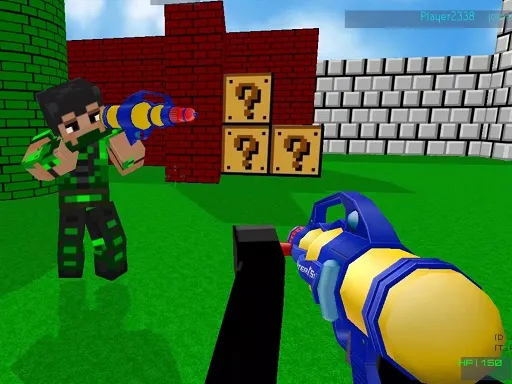
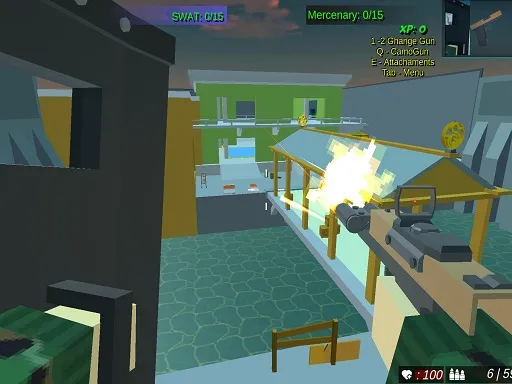
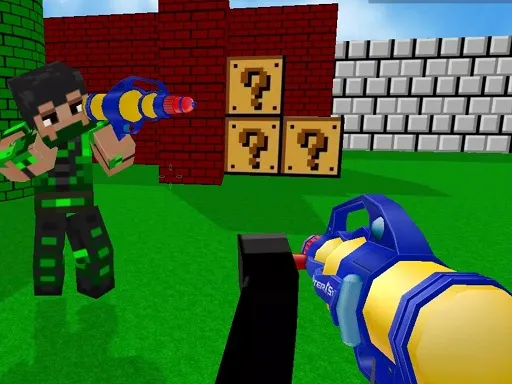
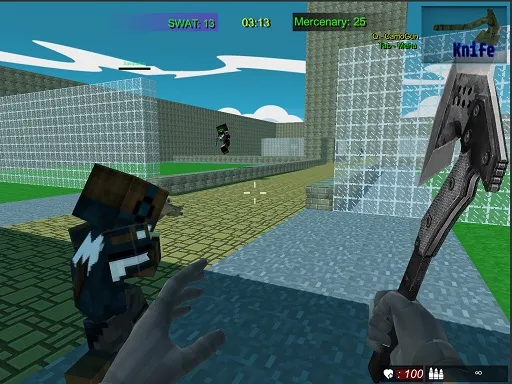
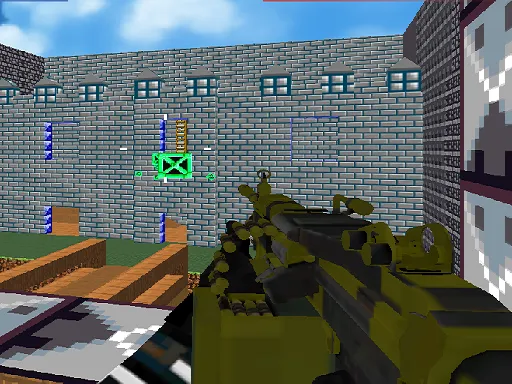
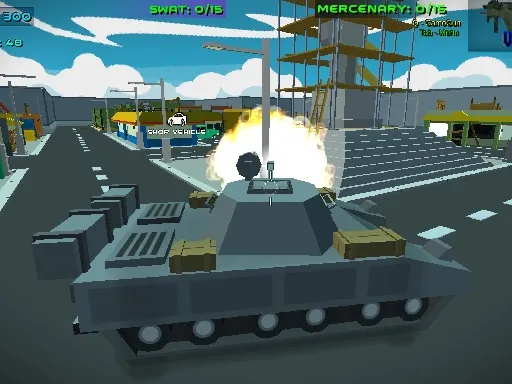
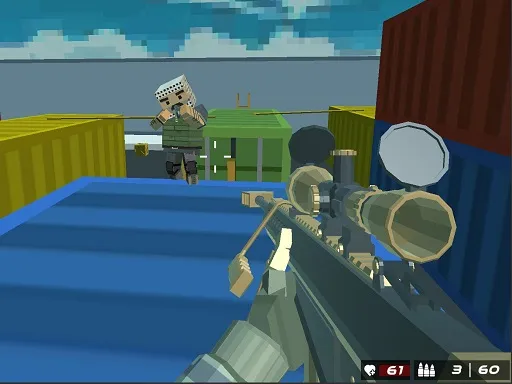
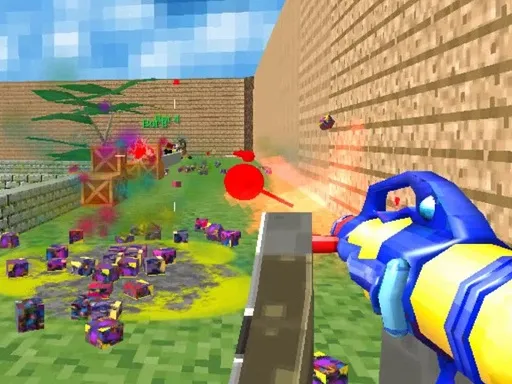
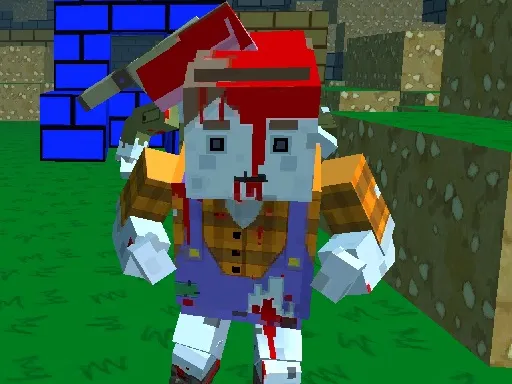
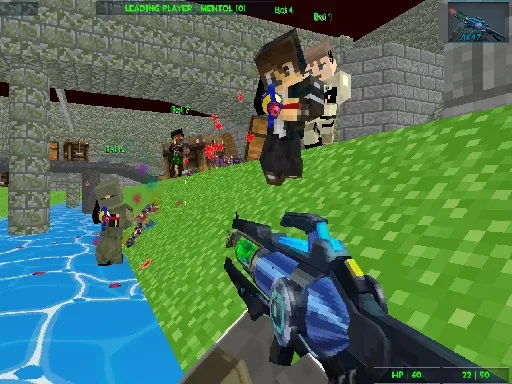
The streets are packed with the undead, and all you have is a blocky pixel gun that you can improve over time. Pixel shooter zombie Multiplayer is a first-person zombie shooter in 3D pixel style, with more than ten weapons to try as you fight through the crowds.
Upgrades are the long game: you can tune the gun to hit harder, aim better, reload faster or carry more ammo. Move with the keyboard, look around with the mouse, and scroll to swap guns without breaking your rhythm. There is also a chat key for talking to other players, which gives the multiplayer side a social edge.
Game details
| Genre | Shooting |
|---|---|
| Controls | Keyboard + mouse or touch |
| Platform | Browser, phone and tablet |
| Cost | Free, no download |
| Screen | 800 x 600 px |
How to play Pixel shooter zombie Multiplayer
- Move your character with W, A, S and D.
- Move the mouse to look around and aim, then shoot.
- Scroll the mouse wheel to change guns.
- Press Q or E to work with attachments and camo on your gun.
- Press Tab for the menu, and Enter to chat.
Tips for Pixel shooter zombie Multiplayer
- Upgrade reload speed early, because running dry in a crowd is the quickest way to lose.
- Switch guns with the scroll wheel instead of stopping to open the menu.
- Keep moving while you shoot so zombies have a harder time cornering you.
Frequently asked questions
Is Pixel shooter zombie Multiplayer free to play?
Yes. It is free, runs in your browser, and needs no download or sign-up.
What are the controls in Pixel shooter zombie Multiplayer?
Use W, A, S, D to move, the mouse to look and shoot, the wheel to change gun, Tab for the menu, Q and E for attachments, and Enter to chat.
Can I upgrade my weapon in Pixel shooter zombie Multiplayer?
Yes. The pixel gun can be upgraded for more damage, better accuracy, faster reloading or extra ammo.
More to play: Shooting games · Multiplayer games · Pixel games · Shooter games
Categories
Shooter Shooting Pixel Multiplayer
Tags Comments