Pixel Fps SWAT Command blocky combat
Played 2 times.


About Pixel Fps SWAT Command blocky combat
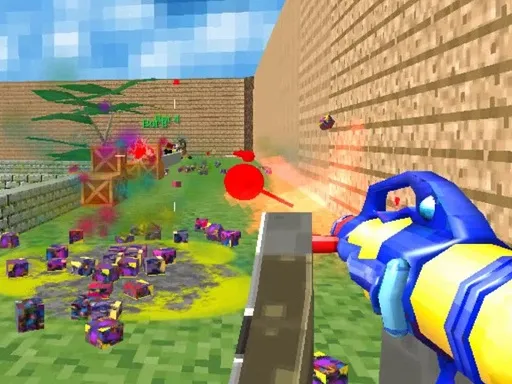
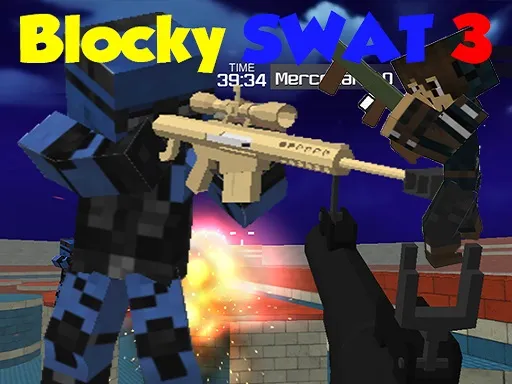
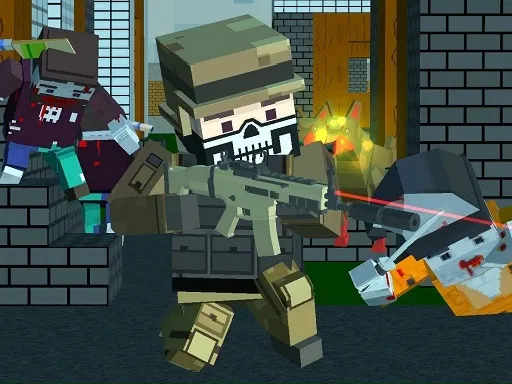
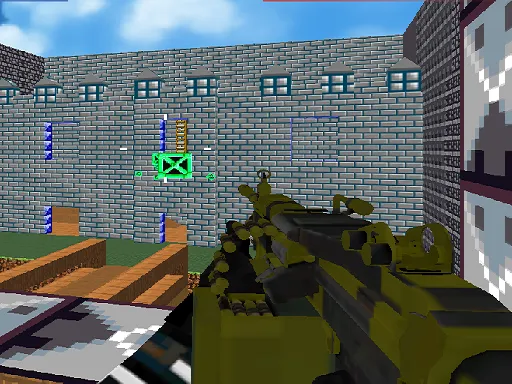
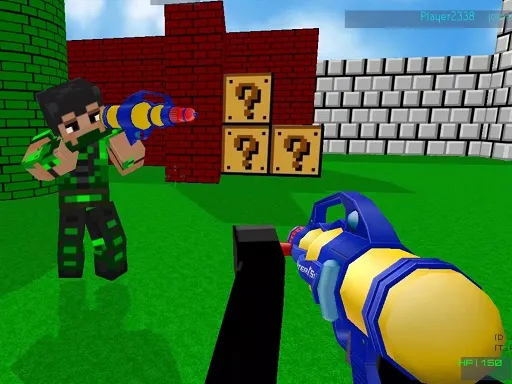
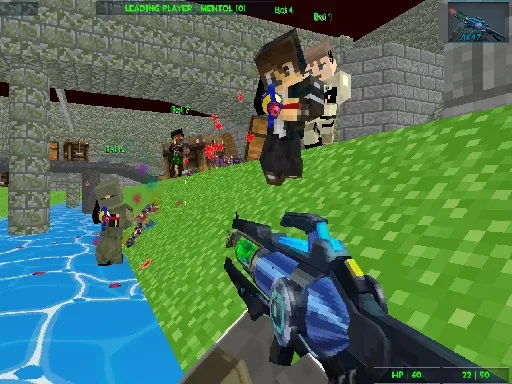
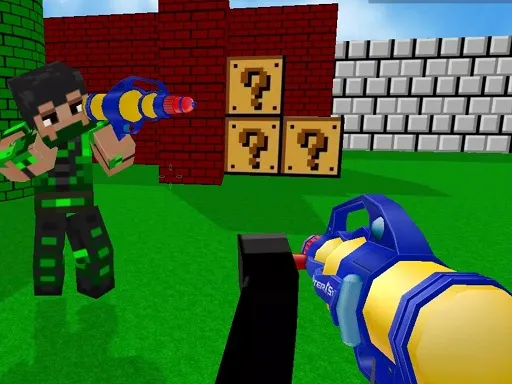
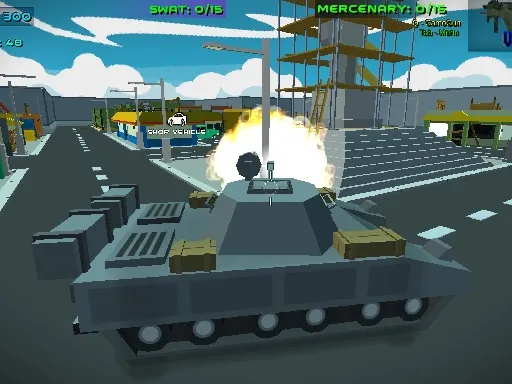
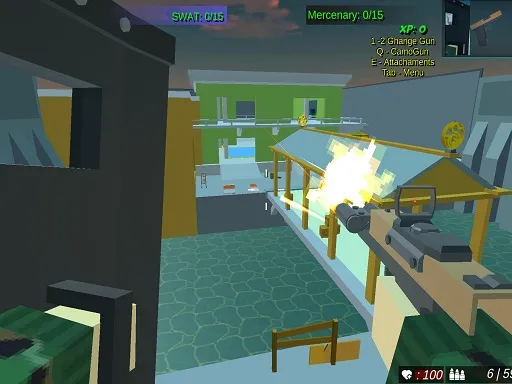
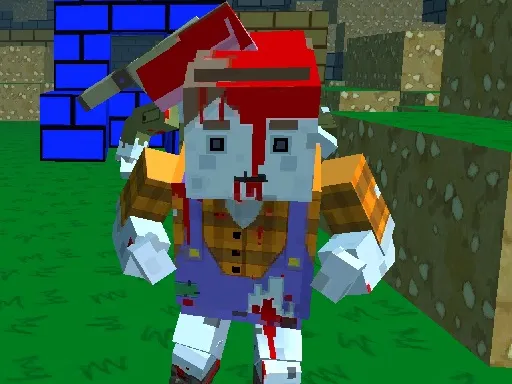
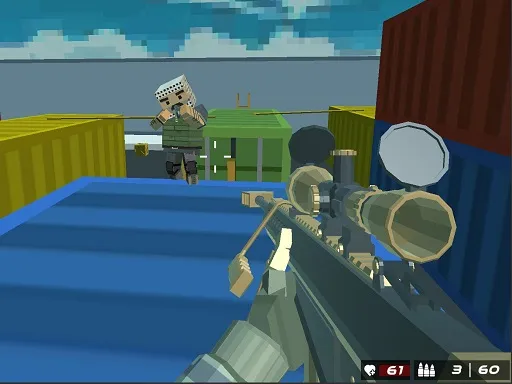
Blocky maps, real opponents and a fast first-person view. Pixel Fps SWAT Command puts you in multiplayer matches on pixelated battlefields, with nine guns to choose from and people from around the world on the other side.
The controls are standard for the genre. Move with WASD, aim and shoot with the mouse, jump with Space, sprint with Shift and open the menu with Tab. Pressing Q switches your camouflage. Everything works best with a keyboard and mouse on a computer. The chunky art style keeps the game light, so it loads quickly and is easy to read at a glance.
Game details
| Genre | Shooting |
|---|---|
| Controls | Keyboard + mouse or touch |
| Platform | Browser, phone and tablet |
| Cost | Free, no download |
| Screen | 800 x 600 px |
How to play Pixel Fps SWAT Command blocky combat
- Move with W, A, S and D, and hold Shift to run.
- Aim with the mouse and click to shoot.
- Press Space to jump.
- Press Tab for the menu, and Q to change your camouflage.
- Choose from the nine guns and outplay real opponents.
Tips for Pixel Fps SWAT Command blocky combat
- Try each of the nine guns to see which suits your style.
- Sprint between cover, then stop to aim.
- Use jumps to change your height and surprise opponents.
Frequently asked questions
Is Pixel Fps SWAT Command free to play?
Yes. It is free to play in your browser, with no download and no sign-up.
What are the controls in Pixel Fps SWAT Command?
WASD moves, the mouse aims and shoots, Space jumps, Shift runs, Tab opens the menu and Q changes camo.
Do I play against real people in Pixel Fps SWAT Command?
Yes. It is a multiplayer game where you fight real players from around the world.
More to play: Shooting games · Multiplayer games · Pixel games · Shooter games
Categories
Shooter Shooting Pixel Multiplayer
Tags Comments