PaintWars Shoot
Played 2 times.


About PaintWars Shoot
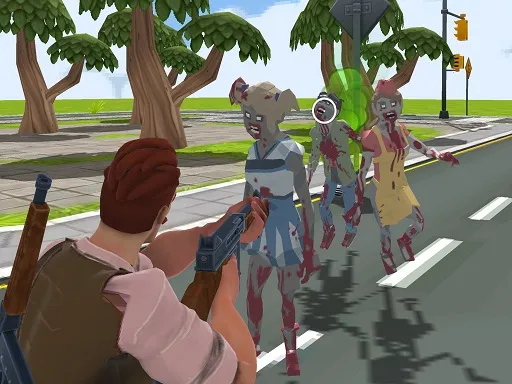
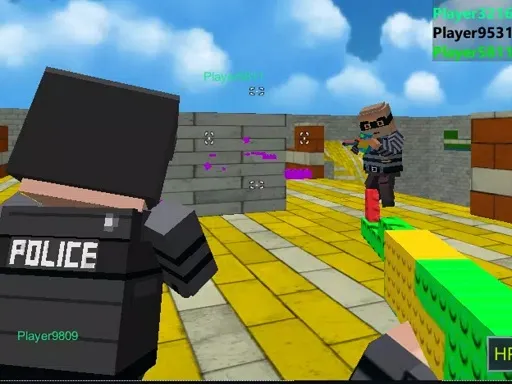
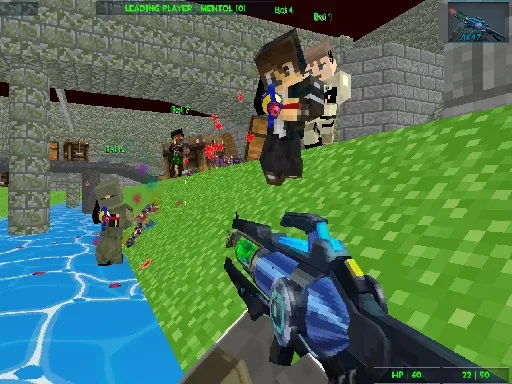
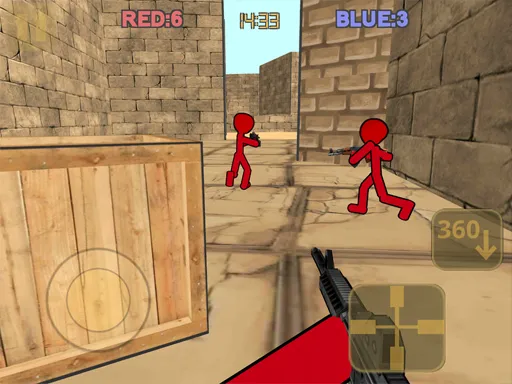
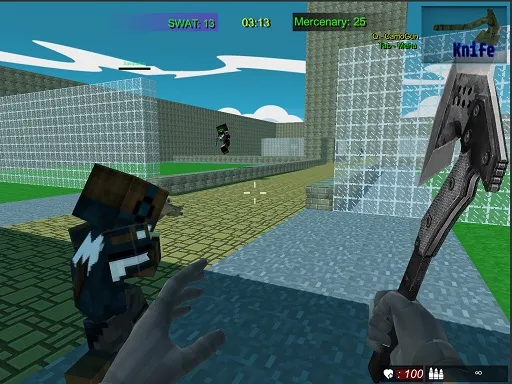
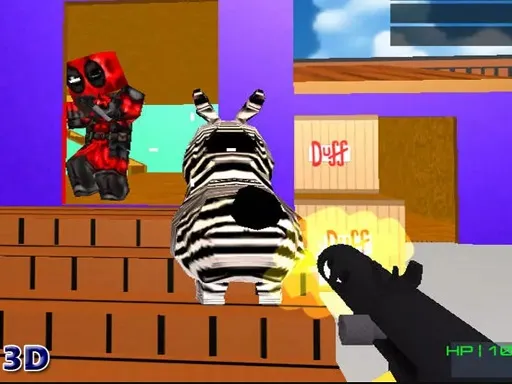
Lighthearted first-person shooting is the theme here, with a choice of opponents. In PaintWars Shoot you can fight real players or computer bots, in either multiplayer or single player. That means you can practice quietly, then test your skill against people when you feel ready.
The setup is minimal. WASD moves your character, the mouse looks around and shoots, and Tab opens the menu, where you can switch guns. Short rounds and a straightforward layout keep the learning curve gentle. It was built with Unity and runs in the browser without a download, and a computer with a mouse and keyboard is the best way to play it.
Game details
| Genre | Shooting |
|---|---|
| Controls | Keyboard + mouse or touch |
| Platform | Browser, phone and tablet |
| Cost | Free, no download |
| Screen | 800 x 600 px |
How to play PaintWars Shoot
- Use W, A, S and D to move around the map.
- Move the mouse to look around, and shoot with it.
- Press Tab to open the menu and change guns.
- Choose single player or multiplayer and take on bots or real players.
Tips for PaintWars Shoot
- Warm up against bots in single player before heading into multiplayer.
- Keep moving sideways while you shoot so you are harder to hit.
- Try each gun from the menu and stick with the one you aim best with.
Frequently asked questions
Is PaintWars Shoot free to play?
Yes. PaintWars Shoot is free, runs in the browser, and needs no download or sign-up.
What controls does PaintWars Shoot use?
W, A, S and D move you, the mouse looks and shoots, and Tab opens the menu. A keyboard and mouse on a computer are best.
Can I play PaintWars Shoot on my own?
Yes. It has single player as well as multiplayer, so you can fight enemy bots or go up against real players.
More to play: Shooting games · Multiplayer games · Shooter games
Popular topics: shoot · shoot em up · unity3d · webgl
Categories Tags Comments