Offroad Vehicle Explorer
Played 1 times.


About Offroad Vehicle Explorer
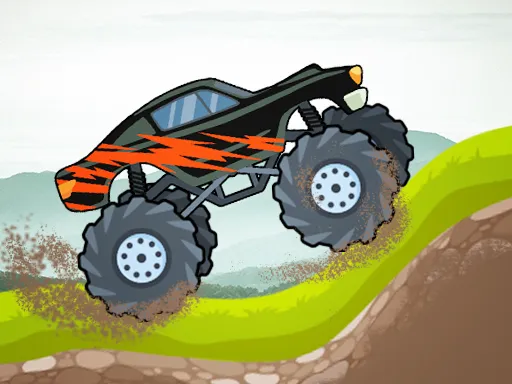
Mud, big tires and no pavement: Offroad Vehicle Explorer lets you try out five different 4x4 vehicles on rough terrain. You choose a buggy or truck, rev the engine and pick your way between trees to the finish line.
Controls are straightforward keyboard ones. Drive with WASD, hit the space bar to brake, press G to reset the car if you get stuck and use Tab to open the menu. It is a 3D game built with Unity, and since the whole point is to feel how each vehicle handles, you may want to switch between them and compare.
Game details
| Genre | Racing |
|---|---|
| Controls | Keyboard |
| Platform | Browser, phone and tablet |
| Cost | Free, no download |
| Screen | 800 x 600 px |
How to play Offroad Vehicle Explorer
- Press Tab to open the menu and choose a vehicle.
- Use WASD to drive across the muddy ground.
- Press Space to brake and G to reset the car if it gets stuck.
- Steer around the trees and cross the finish.
Tips for Offroad Vehicle Explorer
- Use the brake before slopes so you stay in control going down.
- If you get stuck, press G rather than wasting time.
- Test all five vehicles; their weight and grip should feel different.
Frequently asked questions
Is Offroad Vehicle Explorer free to play?
Yes. It is free in the browser, with no download, installation or sign-up.
What are the controls in Offroad Vehicle Explorer?
Use WASD to drive, Space to brake, G to reset your car and Tab to open the menu. A keyboard on a computer is the most comfortable way to play.
How many vehicles can I try in Offroad Vehicle Explorer?
Five 4x4 vehicles are available to drive across the muddy off-road terrain. Try each one to see which handles best.
More to play: Racing games · Truck games
Popular topics: 1 player · 3d games · boy · cars · monster · simulator · skills
Categories Tags Comments