Night City Racing
Played 1 times.


About Night City Racing
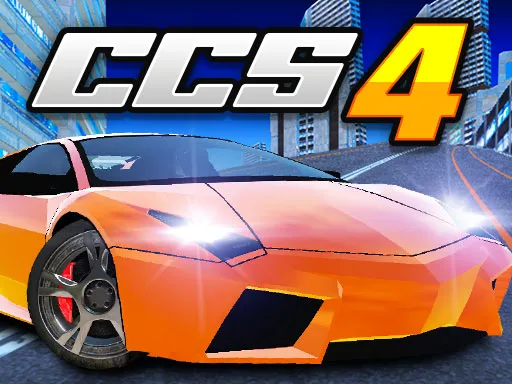
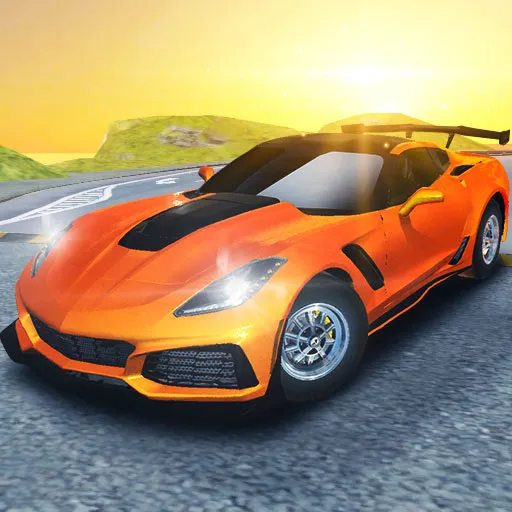
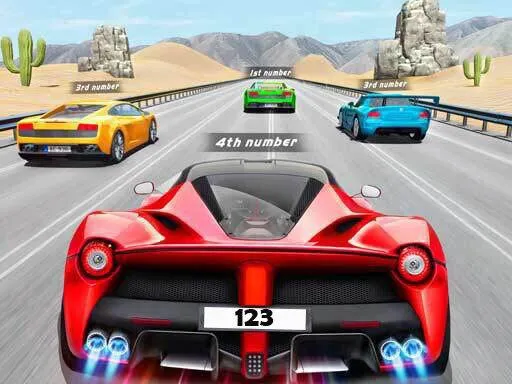
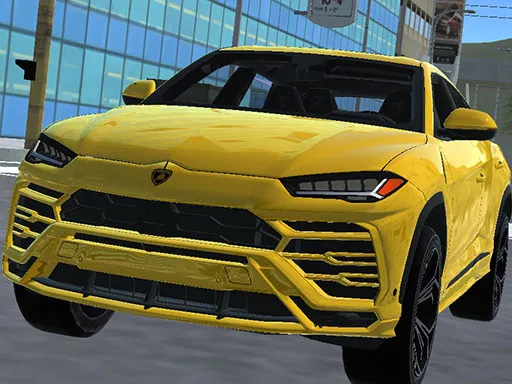
Ten fast cars, a city at night and a nitro button: Night City Racing is a 3D driving simulator that mixes racing with customization. Each super-sport car can be tuned for both engine performance and appearance, so you can make one your own.
You can play alone or with a second player. In single-player mode, steer with WASD or the arrow keys, use Shift for nitro, press R to reset your car, T to look back and C to change the view. It runs in your browser and works as a quick night-driving fix.
Game details
| Genre | Racing |
|---|---|
| Controls | Keyboard |
| Platform | Browser, phone and tablet |
| Cost | Free, no download |
| Screen | 800 x 450 px |
How to play Night City Racing
- Pick a car from the ten super-sport models.
- Customize its engine and looks if you want.
- Steer with W, A, S and D or the arrow keys.
- Hold Shift for nitro on the straights.
- Press R to reset your car or C to change camera.
Tips for Night City Racing
- Tune the engine before the looks; performance matters more than paint.
- Use nitro on straights rather than in corners.
- Press T to glance behind you before changing line.
Frequently asked questions
Is Night City Racing free to play?
Yes. Night City Racing is free, runs in your browser and needs no download or sign-up.
What are the single-player controls in Night City Racing?
Move with W, A, S and D or the arrow keys, use Shift for nitro, R to restart your car position, T to look back and C to change camera.
Can I customize cars in Night City Racing?
Yes. The ten super-sport cars can be customized for engine performance and for appearance.
More to play: Racing games · 2 Player games · 3D games · Car games · Simulation games
Popular topics: 2 player games · 3d games · stunts
Categories
Racing 2 Player 3D Car Simulation
Tags Comments