Need For Speed Driving In Traffic
Played 2 times.


About Need For Speed Driving In Traffic
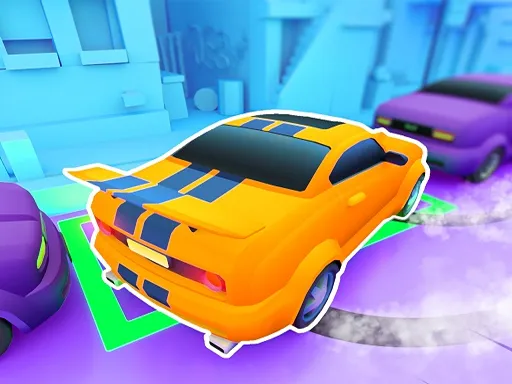
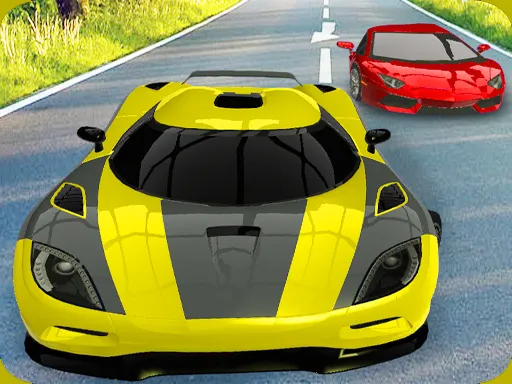
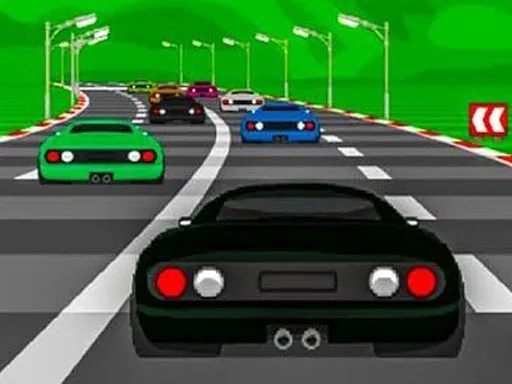
Survival is the point here. Need For Speed Driving In Traffic sends you drifting and chasing through 3D city streets while you dodge other cars, and a nitro booster gives you a burst of pace when you need it, though it takes a while to recharge.
Missions ask you to cover set distances, pass checkpoints, collect coins and overtake rivals, while the scenery shifts between snowy roads, tunnels, bridges and urban streets. Steering uses the arrow keys, with Space and the mouse also in play, so a computer is the best place to play it. Short runs make it simple to chase a better result.
Game details
| Genre | Racing |
|---|---|
| Controls | Keyboard + mouse or touch |
| Platform | Browser, phone and tablet |
| Cost | Free, no download |
| Screen | 1280 x 720 px |
How to play Need For Speed Driving In Traffic
- Pick a mission such as distance, checkpoints, coins or overtaking.
- Steer with the arrow keys and avoid crashing into traffic.
- Press Space or click to fire the nitro booster, then let it recharge.
- Finish the mission before time runs out.
Tips for Need For Speed Driving In Traffic
- Save nitro for open stretches so it does not carry you into traffic.
- Stay in the lane with the most space ahead of you.
- Learn each theme; snow and tunnels need calmer steering.
Frequently asked questions
Is Need For Speed Driving In Traffic free?
Yes. It is free to play in your browser, with no download or sign-up.
What controls does Need For Speed Driving In Traffic use?
Arrow keys steer, Space handles the booster and the mouse also works. A keyboard on a computer works best.
What missions are in Need For Speed Driving In Traffic?
Missions include travelling set distances, passing checkpoints, collecting coins and overtaking other vehicles.
More to play: Racing games · Car games · Multiplayer games · Sports games
Categories Tags Comments