Naruto Memory Card Match
Played 2 times.


About Naruto Memory Card Match
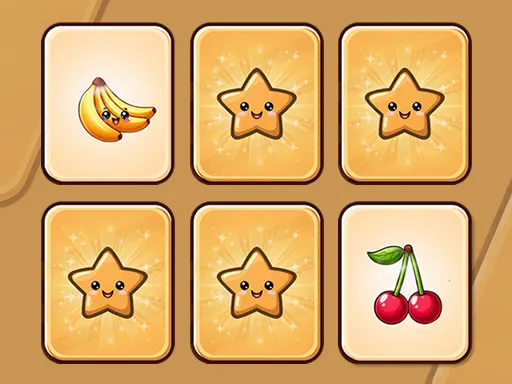
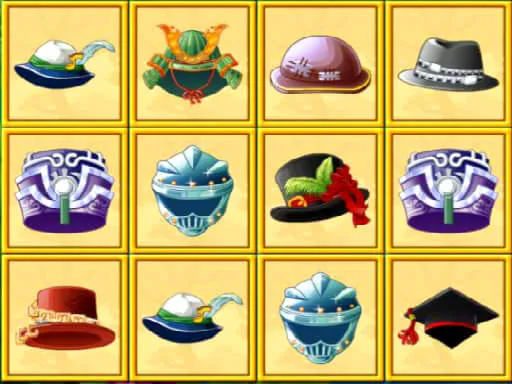
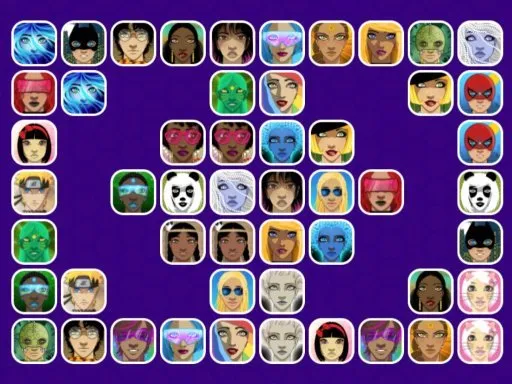
Remembering where a picture was hiding is the entire challenge in this Naruto-themed card game. You choose how big the board is, then flip cards two at a time and try to uncover identical images.
A miss turns both cards face down again, so every flip teaches you something about the layout. Higher difficulty settings add more cards, which stretches your memory further and makes each pair harder to find. Matched pairs disappear from the board, and once the last one goes you have finished the level. It plays fine with taps on a phone or clicks on a computer, and short rounds make it easy to squeeze in between other things.
Game details
| Genre | Puzzle |
|---|---|
| Controls | Mouse or touch |
| Platform | Browser, phone and tablet |
| Cost | Free, no download |
| Screen | 800 x 600 px |
How to play Naruto Memory Card Match
- Pick a difficulty level to set how many cards are on the board.
- Flip a card, then flip a second one to look for its twin.
- Remember any mismatched cards, because they turn face down again.
- Match every pair to clear the board and finish the level.
Tips for Naruto Memory Card Match
- Start with the smallest board to learn the rhythm before moving to larger ones.
- Say the position of each card to yourself, such as top row, third from the left.
- Flip unexplored cards first when you have no match to aim for.
Frequently asked questions
Is Naruto Memory Card Match free?
Yes. It is free and plays in your browser, with no download or sign-up.
How do I flip cards in Naruto Memory Card Match?
Click a card with your mouse or tap it on a touchscreen. Flip two cards per turn and try to land on identical images.
What does the difficulty level change in Naruto Memory Card Match?
It sets how many cards are on the board. A higher number means more pairs to find and more to remember.
More to play: Puzzle games · Memory games
Categories Tags Comments