Monster Truck Driver
Played 1 times.


About Monster Truck Driver
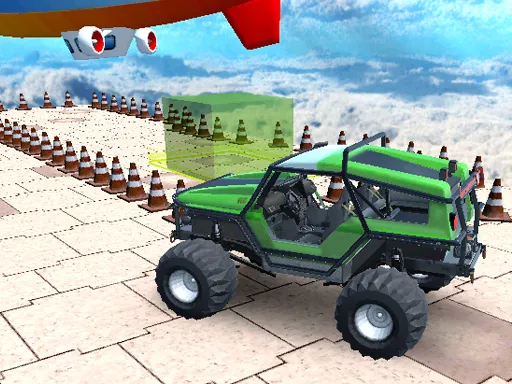
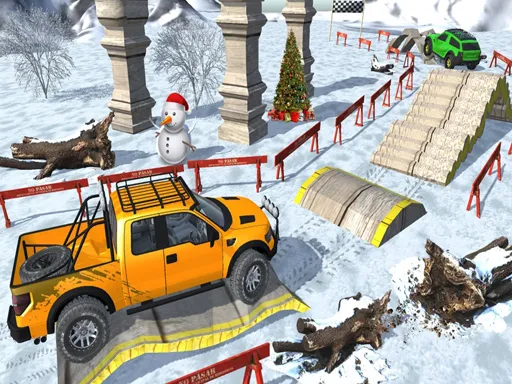
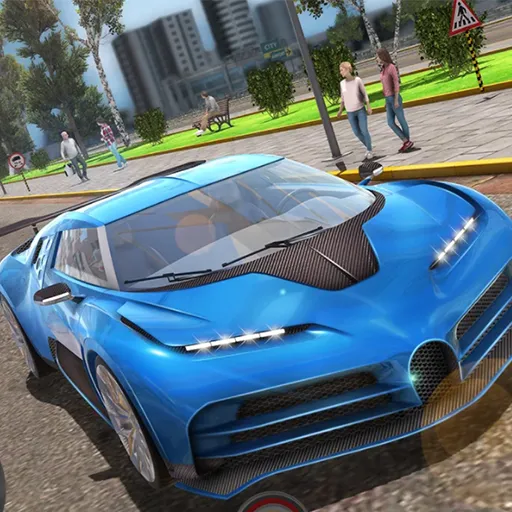
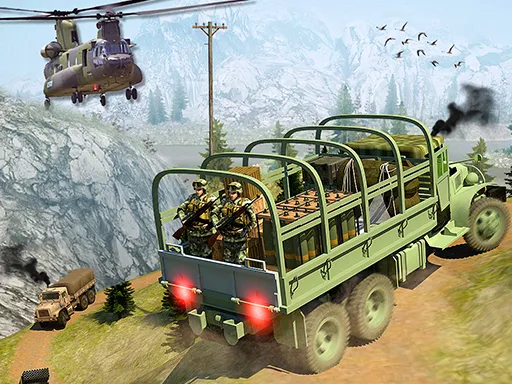
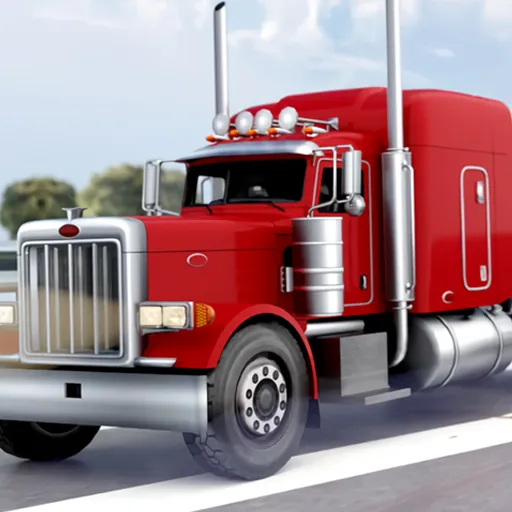
Ordinary cars feel small after a monster truck, and this simulator lets you pick a map and climb into one. Monster Truck Driver offers three environments and several vehicles, and the maps are laid out with stunts in mind, so jumping and experimenting is the point.
Drive with W, A, S, D or the arrow keys, tap C to cycle the camera, V to switch vehicle and the space bar for the handbrake. Try every vehicle on every map and see how each one handles ramps. It is built with Unity and runs in the browser with nothing to install.
Game details
| Genre | Racing |
|---|---|
| Controls | Keyboard |
| Platform | Browser, phone and tablet |
| Cost | Free, no download |
| Screen | 960 x 540 px |
How to play Monster Truck Driver
- Choose an environment and a monster truck.
- Drive with W, A, S, D or the arrow keys.
- Press C to change the camera and V to change vehicle.
- Hold the space bar for the handbrake as you attempt stunts.
Tips for Monster Truck Driver
- Test each vehicle on a flat stretch first to feel its weight.
- Use the handbrake to tighten turns before heading into a ramp.
- Switch camera angle if you cannot judge a jump from the default view.
Frequently asked questions
Is Monster Truck Driver free to play?
Yes. Monster Truck Driver is free, runs directly in the browser, and needs no download or sign-up.
What keys do I use in Monster Truck Driver?
Drive with W, A, S, D or the arrow keys, C for camera, V to change vehicle and the space bar for the handbrake.
What can I do in Monster Truck Driver?
Pick one of three environments and one of several vehicles, then drive and attempt stunts on maps designed for that purpose.
More to play: Racing games · Simulation games · Truck games
Categories Tags Comments