Minecraft Coloring Pages
Played 4 times.


About Minecraft Coloring Pages
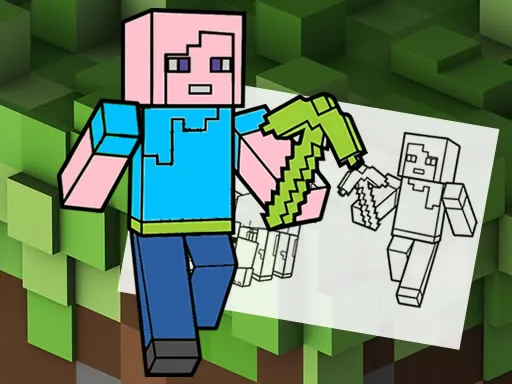
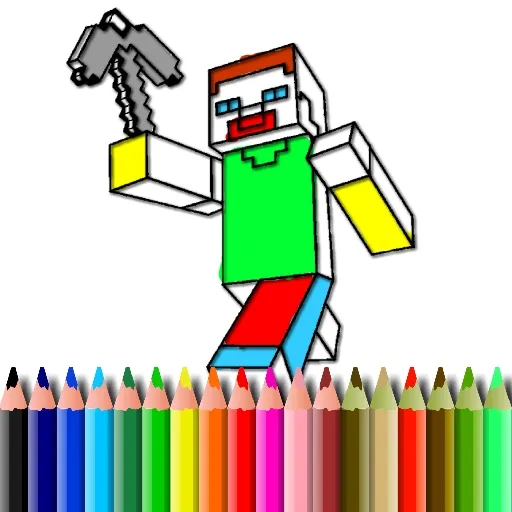
A box of fifteen colors and eighteen blank pictures is all this game needs. Minecraft Coloring Pages invites kids to paint a range of characters from the blocky world, one picture at a time.
You choose a color, then click or touch the area you want to fill. There is no wrong answer, so imagination takes the lead, and it is a gentle way to practice hand control with a mouse or finger. When you are happy with your picture, you can keep a copy of your artwork. It is a calm, creative game for kids and for adults sitting beside them, and it asks nothing more than a few quiet minutes and some favorite shades.
Game details
| Genre | Puzzle |
|---|---|
| Controls | Mouse or touch |
| Platform | Browser, phone and tablet |
| Cost | Free, no download |
| Screen | 1920 x 1080 px |
How to play Minecraft Coloring Pages
- Pick one of the eighteen pictures to color.
- Choose a color from the palette of fifteen.
- Click or touch an area of the picture to fill it.
- Save the finished image when you like how it looks.
Tips for Minecraft Coloring Pages
- Pick a color scheme before you start so the picture feels balanced.
- Fill big areas first, then move on to smaller details.
- Try unusual colors; there is no rule that characters must look familiar.
Frequently asked questions
Is Minecraft Coloring Pages free?
Yes. Minecraft Coloring Pages is free in your browser, with no download and no sign-up.
How do I color in Minecraft Coloring Pages?
Choose a color, then click or touch the part of the picture you want to fill. It works with a mouse or touchscreen.
Can I save my picture in Minecraft Coloring Pages?
Yes. Once you have finished, the game lets you save your colored picture.
More to play: Puzzle games · Coloring games · Kids games · Minecraft games · Skill games
Popular topics: 1 player · best · color · craft · crafting · html5
Categories
Puzzle Kids Skill Minecraft Coloring
Tags Comments